Every T&M ticket, signed before you leave the site
No more paper ticket lost in a truck, no more disputed hours weeks later.

HOW IT WORKS
From the job site to billing in five steps.
Every ticket follows the same path, from the field to your billing.
-
1
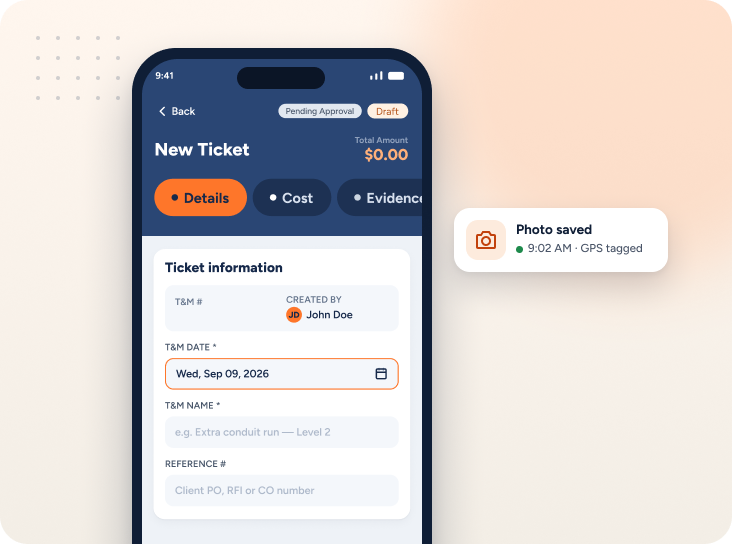
Create Tickets
Log labor, materials and equipment with before-photo of the site.
-
2
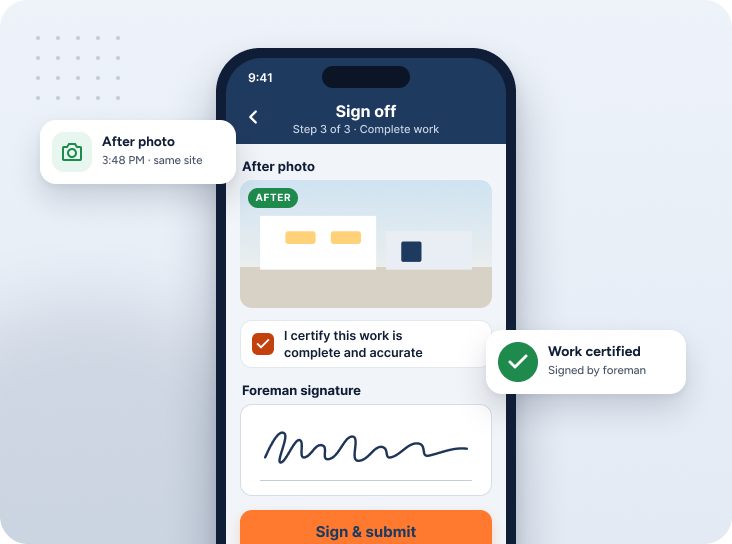
Sign Off
Snap an after-photo and certify the work is complete.
-
3
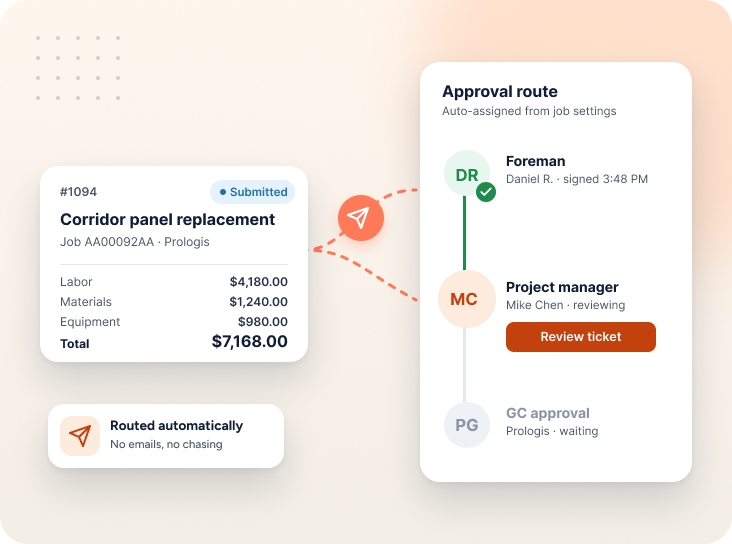
Route for review
The ticket move automatically to whoever it needs to sign off on it.
-
4
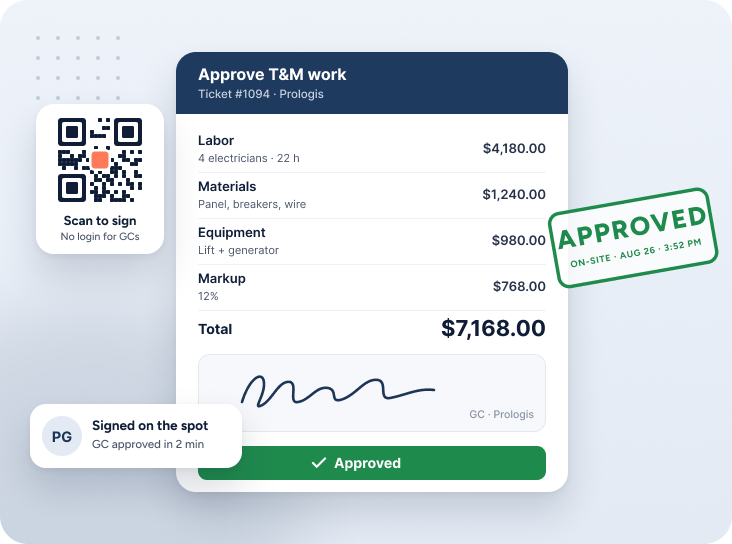
Get Approval
Approval happens right on the spot, no chasing signatures later.
-
5
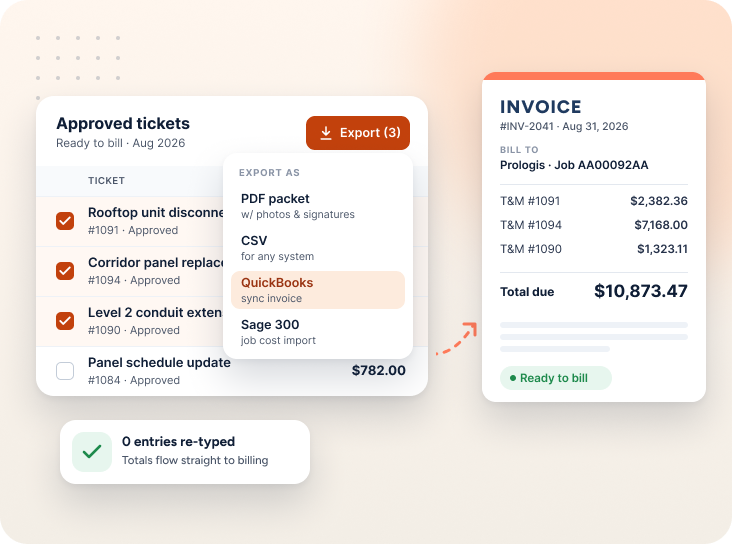
Export for billing
Approved tickets are ready to bill, no re-entering data by hand.
The old way vs. Sub's Flow
Paper tickets
- Lost in a truck console for weeks
- No visual proof the work has done
- Disputed hours with no record
Sub Flow's
- Before-and-after photos attached to every ticket
- Approval happens on the spot
- Tickets export to CSV, no re-keying
Questions about the process
No—whether they sign right on your device, or by email, text, or QR code, there's nothing to install and no account required.
Send the ticket by email, text, or QR code instead - each one links straight to the approval page, so they can sign from anywhere.
Yes—anything can be edited freely up until the ticket is signed.
No questions match that search.