Applying custom labor rates for different jobs
Prevailing wage, union scale, a specific client agreement — set up the rate table once, and every ticket on that job uses it automatically.
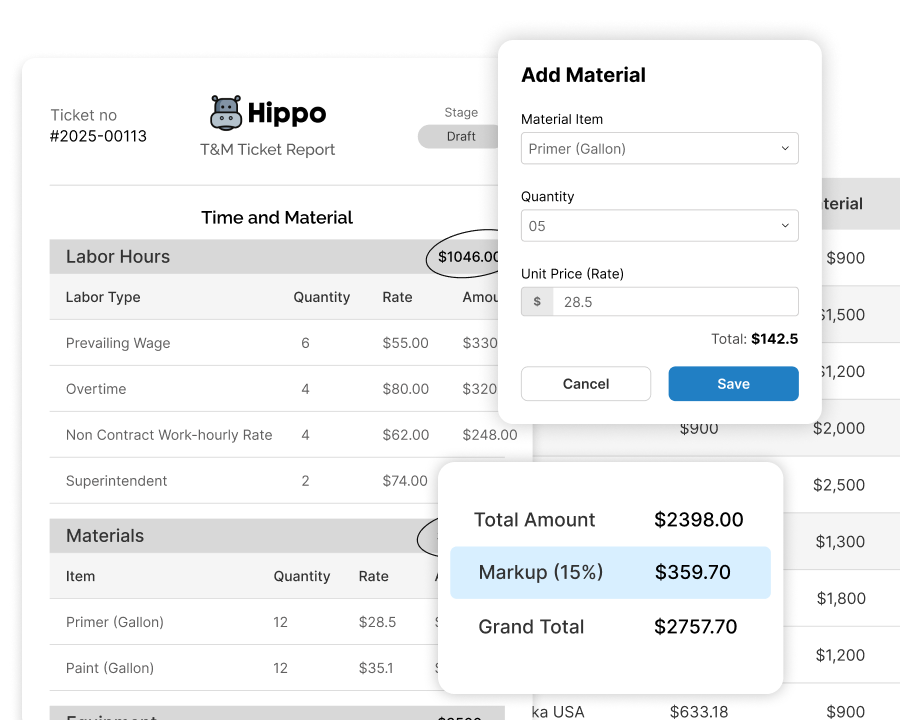
The problem
Not every job pays the same — prevailing wage, union scale, a specific client agreement — but most billing software assumes one flat labor rate applies everywhere.
How Sub's Flow solves it
-
1
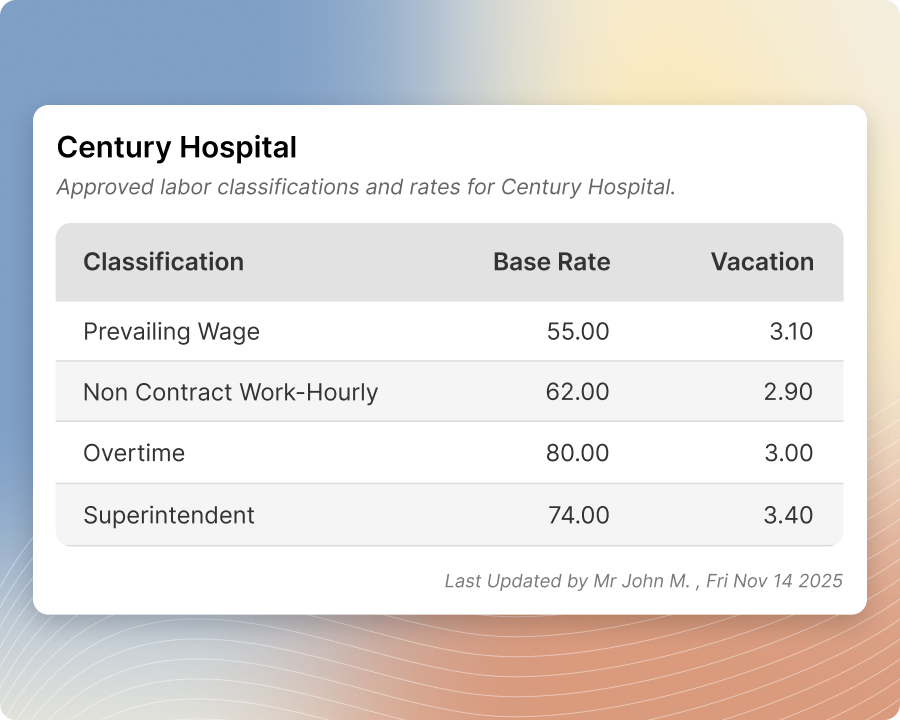
Start with your baseline rate table
Every account starts with one labor, one material, and one equipment table — company-wide defaults that work for most jobs out of the box.
-
2
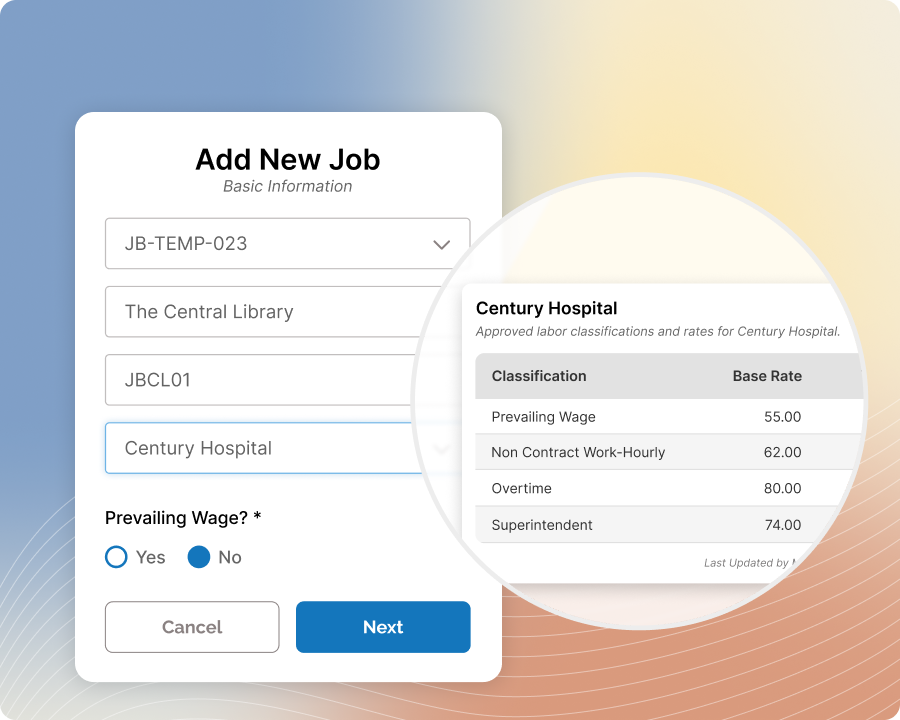
Create additional labor tables when a job calls for it
Set up a separate labor table for prevailing wage, a specific union agreement, or any other rate structure that doesn't match your default.
-
3
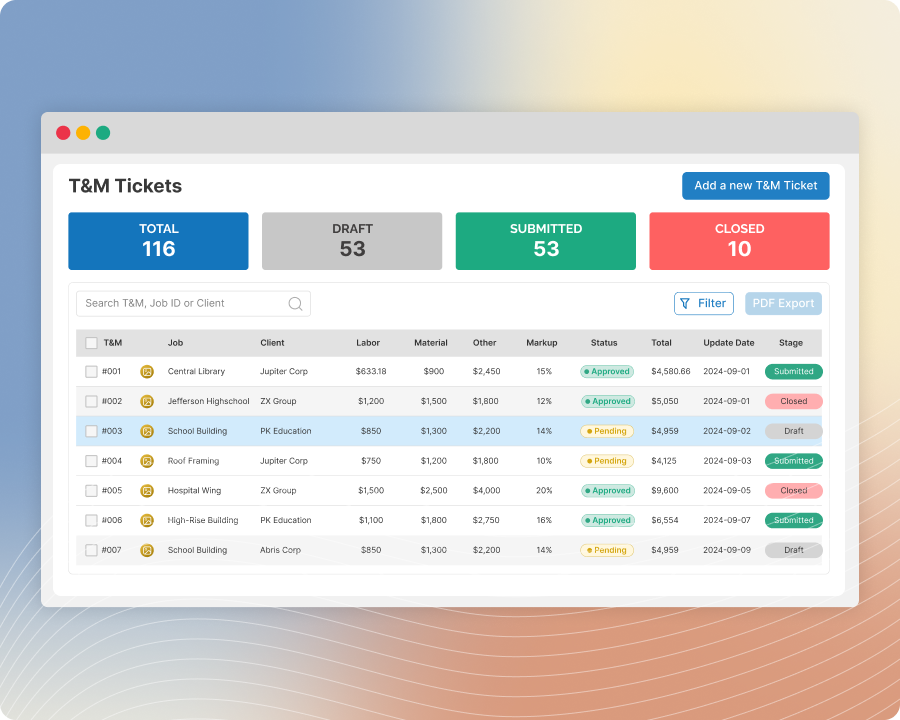
Assign the right table to the job, not the ticket
Pick which labor table applies at the job level — every ticket created under that job automatically uses it, so no one has to remember to choose the right rate ticket by ticket.
-
4
Override the markup too, if the job needs it
Markup follows a fallback hierarchy — your table's default, then any form-level override, then a job-level override — so a specific job can adjust pricing without touching your company-wide settings.
Built with these features

Multiple labor rate tables

Job-level rate & markup override
Questions about job-specific rates
Yes — set up additional labor tables and assign the one that applies at the job level; every ticket under that job uses it automatically.
A little differently — you can also have more than one material or equipment table, but unlike labor, you can't assign a specific one to an individual job.
Nothing breaks — pricing falls back automatically, first to any form-level override, then to your table's default.
It depends on your plan — check your package details to confirm whether job-specific rate tables are included.
No questions match that search.