Documenting the work actually happened
Photo documentation attached right to the ticket — not a separate app, not a separate step.

The problem
When a dispute comes up over what work got done or what materials got used, having nothing to point back to means it’s your word against theirs — and by then, the moment’s long gone.
How Sub's Flow solves it
-
1
Capture photos right on the ticket
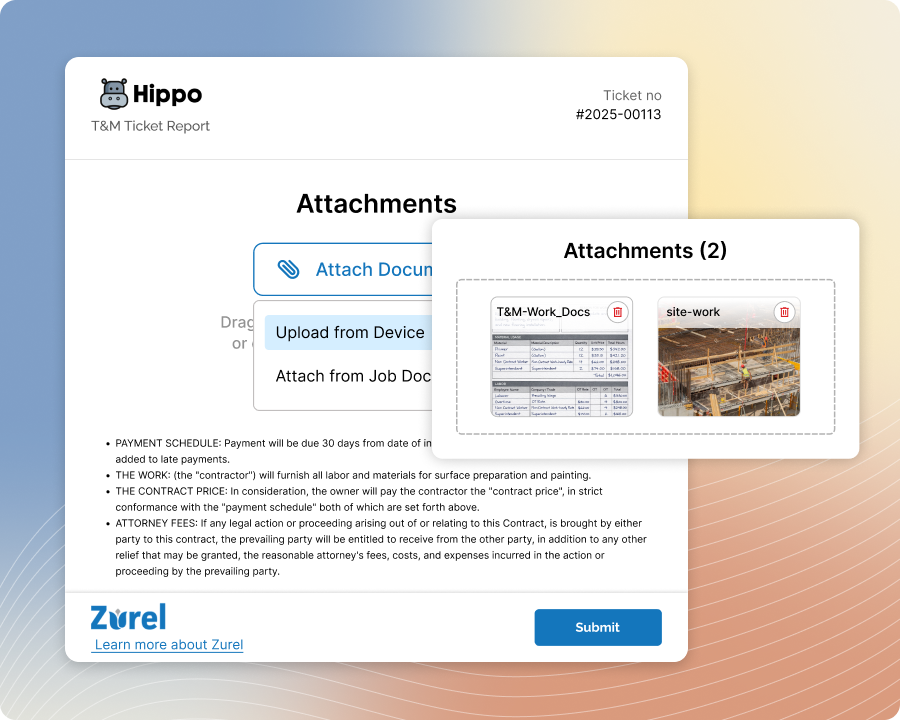
Attach photos directly to the ticket as you build it, right from your phone — no separate camera roll to dig through later, no wondering which job a photo belongs to.

-
2
Document it, and make it clear
Attach before-and-after photos as the job calls for, then mark them up right in the app — circle it, label it — so there's no ambiguity about what the photo is actually showing.
-
3
It becomes part of what gets signed
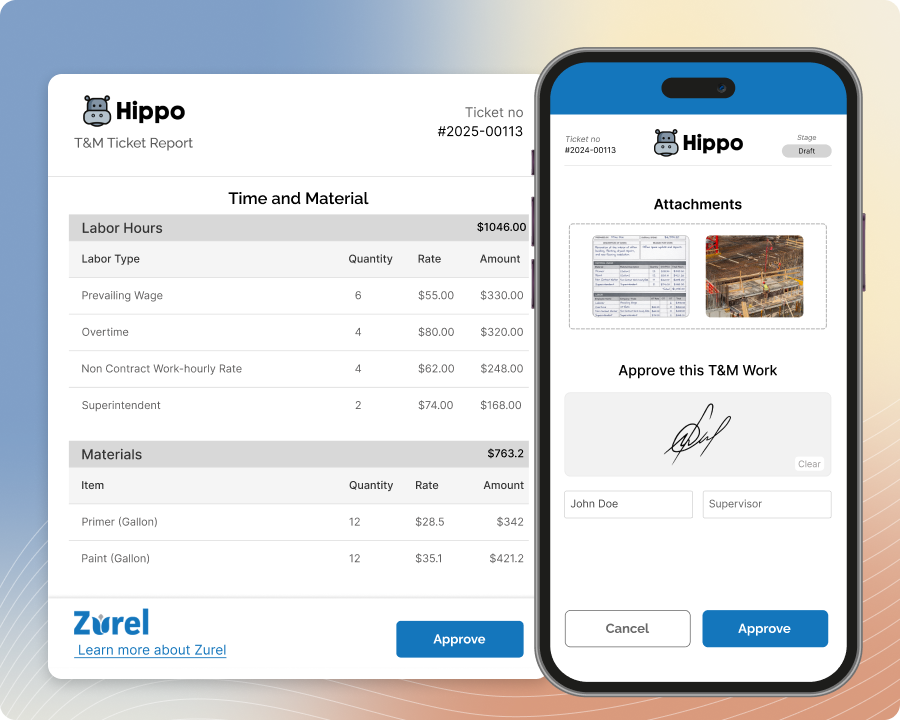
Since photos live on the ticket itself, they're included in what the GC actually reviews and approves — not a separate attachment that's easy to dispute later.
-
4
Still there if a question comes up later
Months down the line, the photos are exactly where they've always been — tied to the ticket, the date, and the job, not buried in a phone's camera roll.
Built with these features

Photo & document management

Photo markup & annotation

Mobile ticket entry, offline
Questions about photo documentation
It depends on your subscription plan — but even on the lowest tier, the allowance is far more than a typical ticket would ever need.
Yes — attach photos right from the app even offline; they sync automatically once you're back online.
Yes — tickets stay editable after approval. Adding photos won't undo the GC's signature unless you explicitly resend the ticket for a fresh approval.
They stay attached to the ticket exactly as captured — dated, tied to the job, and part of the record from day one.
Yes — mark up photos directly in the app to call out exactly what you want documented, whether that's a defect, a change, or a specific detail the GC should see.
No questions match that search.