Getting approval without chasing your GC
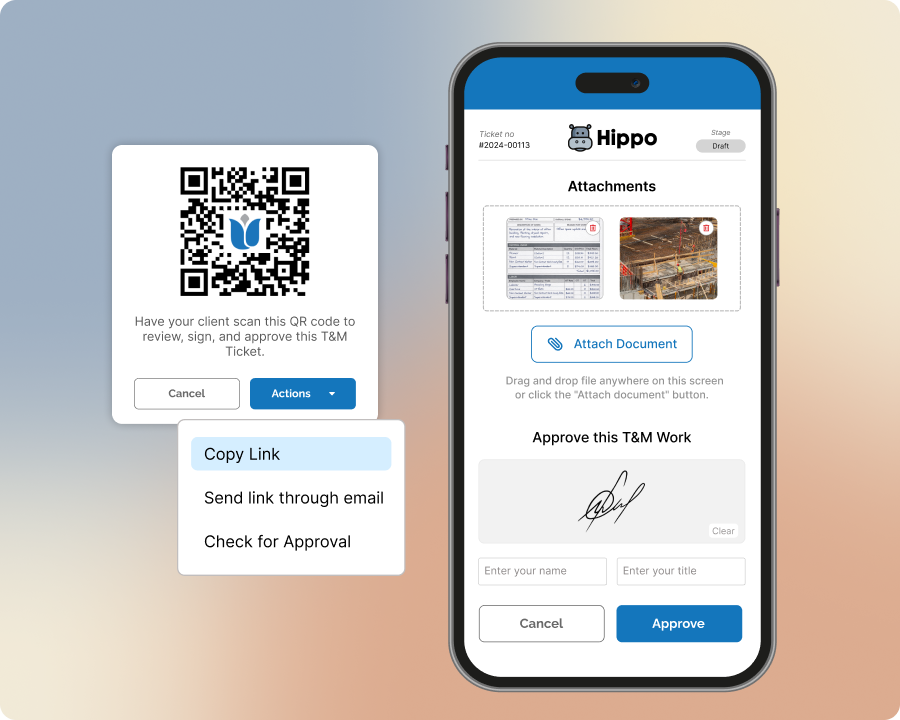
No account, no download, nothing for them to install — they approve however works for them.
The problem
Chasing down a signature after the fact means phone tag, lost paperwork, and tickets stuck in limbo for weeks.
How Sub's Flow solves it
-
1
Create the ticket
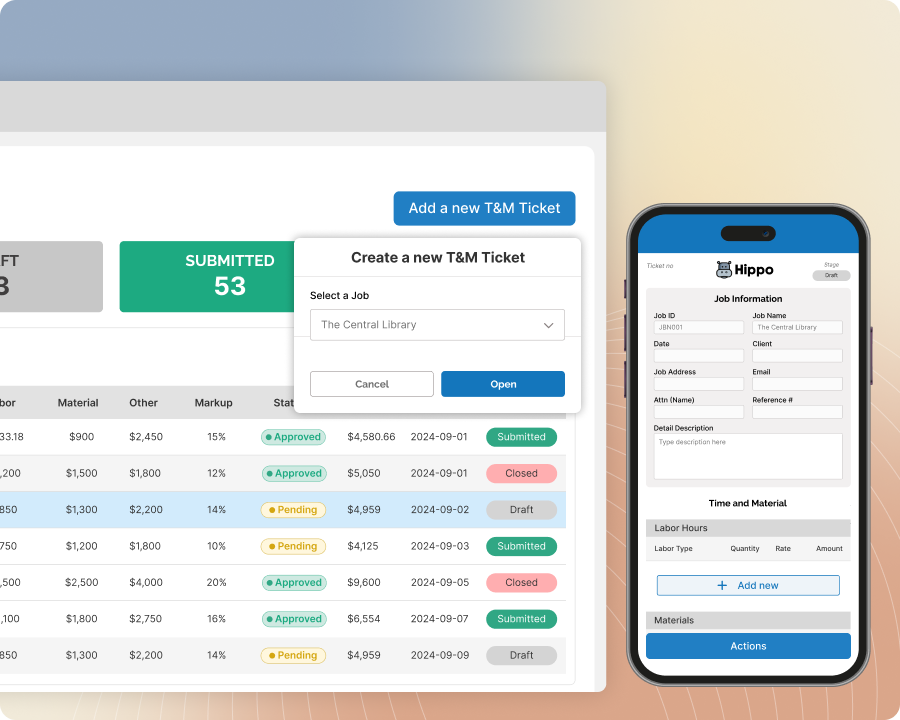
Log labor, materials, and equipment on-site, right as the work happens — no reconstructing hours from memory back at the truck. Every ticket ties directly to the job it's billed against, with photos attached if you need them.
-
2
Sign off, on the spot
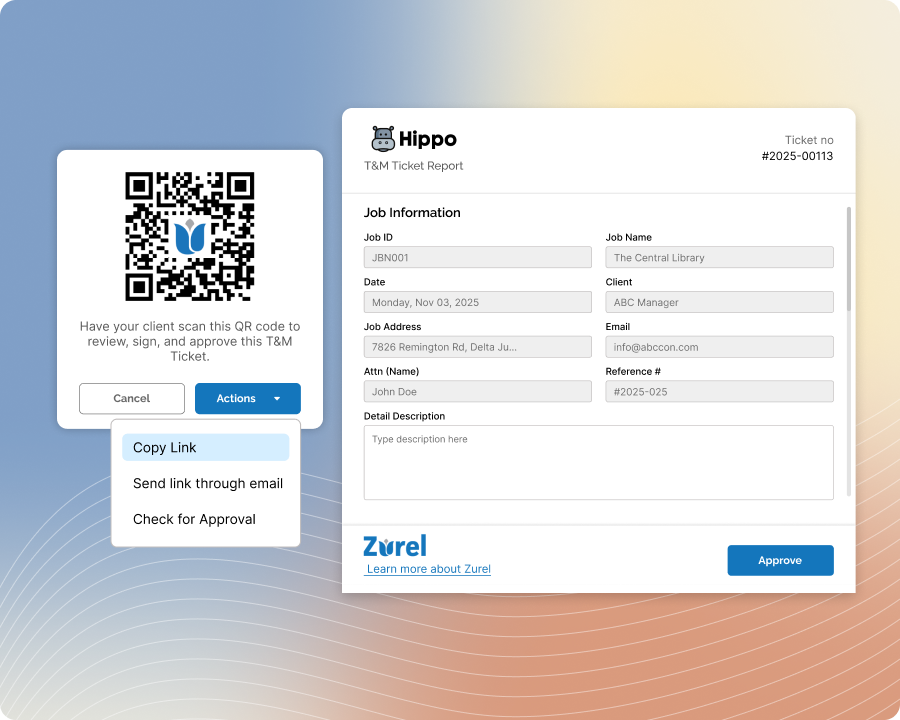
On your device, by email link, or by QR code — whatever's easiest for the GC rep standing in front of you. There's nothing for them to download or log into first, so the signature captures the moment the work was confirmed, not a guess at it days later.
-
3
Approve (GC touchpoint)
The one moment a GC rep touches the app at all — no account required on their end. They see exactly what's on the ticket and approve it in seconds, right from their own phone or yours, and nothing else about their day-to-day changes.
-
4
Export for billing
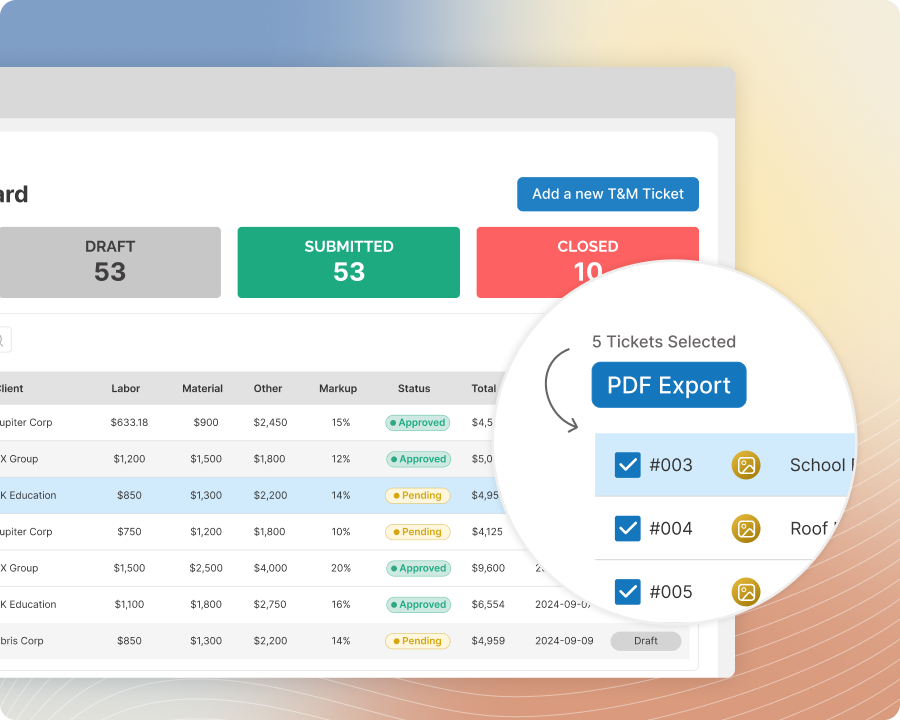
The signed ticket routes back to your team, ready to hand off to billing. No re-keying hours from a paper copy, no hunting down whoever's holding the signed original.
Built with these features

On-site signature capture

Email & QR-code signature

Free GC portal
Questions about GC approval
No. They can sign right on your device, follow an emailed link, or scan a QR code — nothing to download or log into.
Send the ticket as an email link, or show them a QR code they can scan with their own phone — either way, they approve without touching your device.
Yes — send the email or QR link and they can approve from wherever they are, no on-site presence required on their end.
It routes straight back to your team as a signed, billing-ready ticket — no paper copy to track down or hours to re-enter.
No questions match that search.