Controlling what your GC sees
Share what backs up the ticket, keep internal pricing details to yourself.
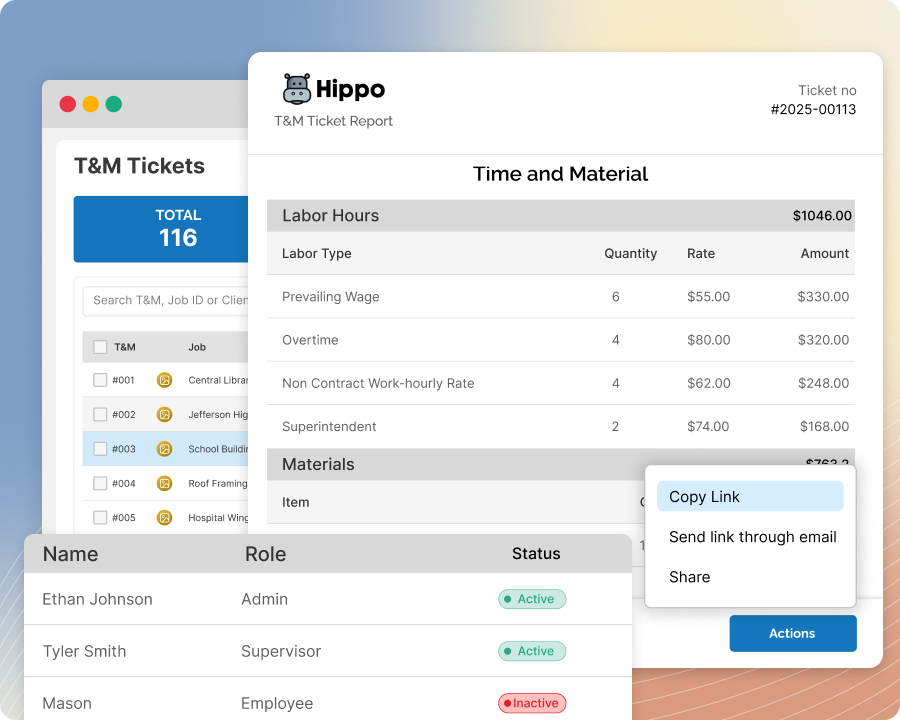
The problem
Not everything on a ticket is meant for your GC’s eyes — internal notes, extra documentation, sensitive pricing — but sharing a ticket usually means sharing all of it.
How Sub's Flow solves it
-
1
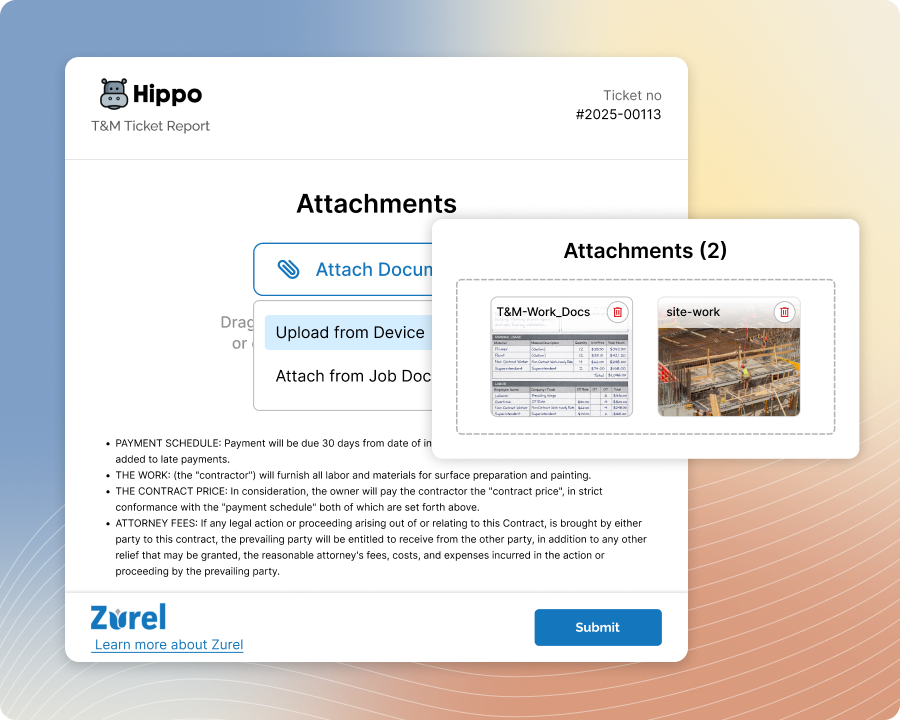
Attach what you need internally
Add photos, files, and notes to a ticket for your own team's use, the same as you always would — nothing about internal documentation changes just because a client might eventually see the ticket.
-
2
Choose what's shared, item by item
Mark individual photos and files as visible or internal-only before you share the ticket — nothing goes to your GC that you haven't explicitly included.

-
3
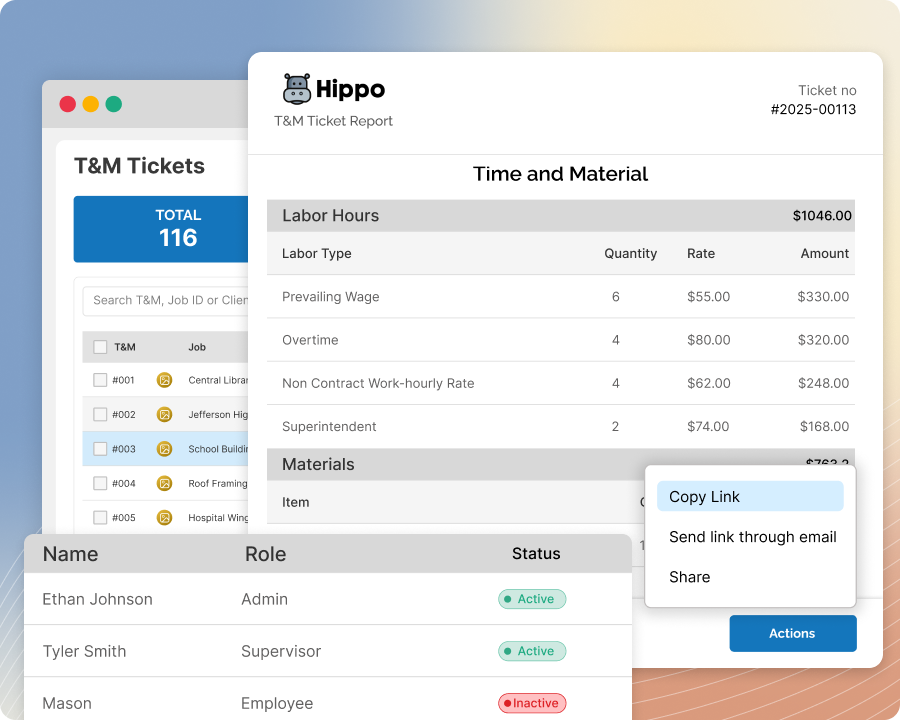
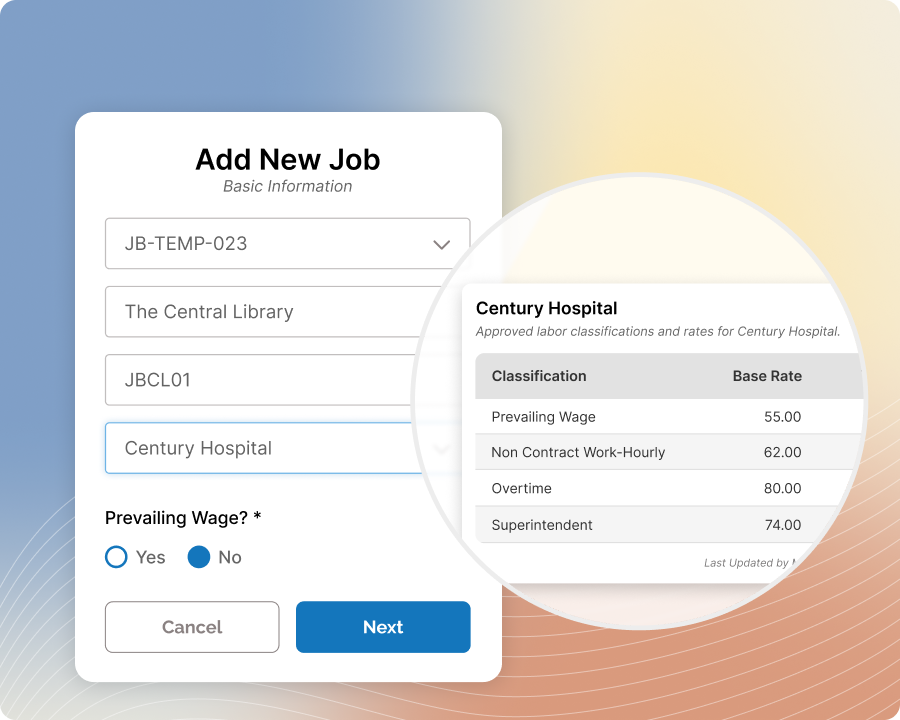
Your GC sees their scope, and only their scope
One portal, one clean view — your GC sees every ticket from you, with no clutter or visibility into any other subcontractor's data.
-
4
Share the ticket without oversharing
What goes out is exactly what you chose — the proof and documentation that support the ticket, without exposing internal-only material.
-
5
Change your mind on individual items
Already marked something as visible? Flip it back to internal-only anytime, one item at a time — no need to touch anything else on the ticket.
Built with these features

Per-item visibility control

Free GC portal

Photo & document management
Questions about visibility control
No — you choose which photos and files are visible to your GC on a per-item basis. Anything you don't mark as shared stays internal.
No — your GC's portal only shows tickets from you, with no visibility into any other subcontractor's tickets or pricing.
No — the same as approval, viewing works on-device, by email link, or by QR code, with nothing to download or log into.
Yes — you can turn off visibility on an individual photo or file at any time, even after it's been shared, without affecting anything else on the ticket.
Yes — mark up photos directly in the app to call out exactly what you want documented, whether that's a defect, a change, or a specific detail the GC should see.
No questions match that search.