Keeping your markup hidden from your crew
With financial visibility off, a restricted Basic User never sees your rates or fees — even though the person actually approving the ticket still can.

The problem
If your crew creates and submits their own tickets, it’s fair to wonder whether they can also see what those tickets are actually worth — through the ticket itself, through approval, or some workaround.
How Sub's Flow solves it
-
1
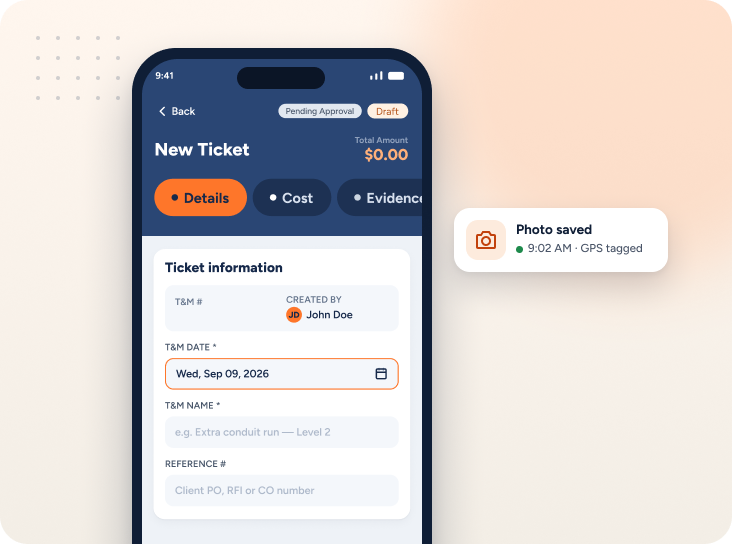
Turn it off once, and it's off for them everywhere
With financial visibility disabled company-wide, a Basic User becomes a restricted Basic User — they won't see rates, markups, or dollar amounts anywhere in their own view of a ticket.
-
2
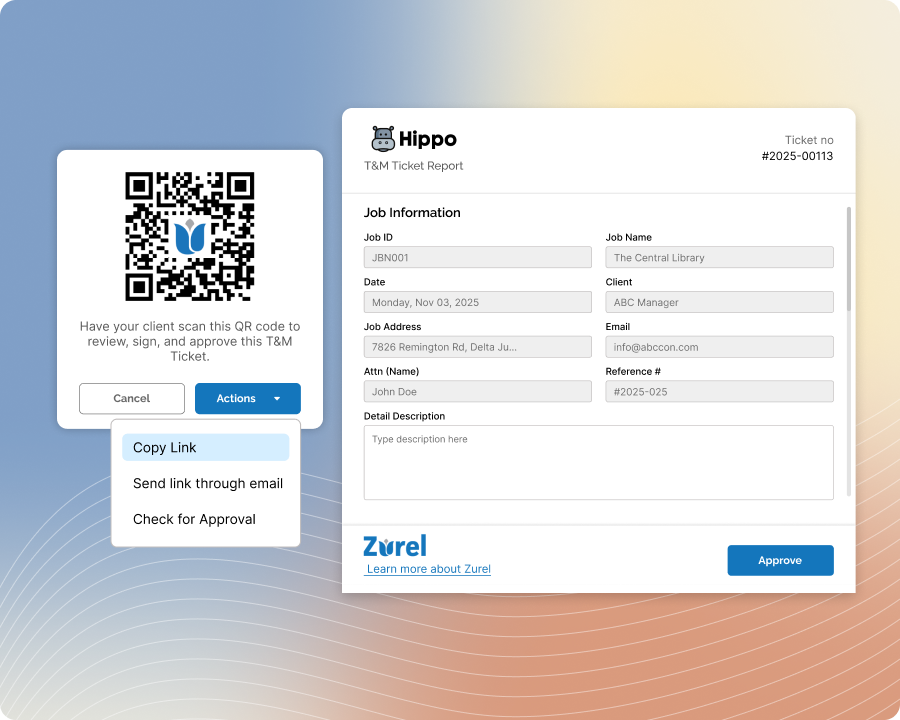
On-device or QR-code approval doesn't reveal it to them either
Even when a GC signs right on the restricted Basic User's own device, or scans a QR code, the screen still suppresses every dollar figure for that ticket.
-
3
Email approval still shows the full ticket — to the right person
Sending a ticket by email includes complete pricing information, exactly as any approval normally would — the actual approver still needs to see it to sign off with confidence.
-
4
But only people already authorized can receive that email
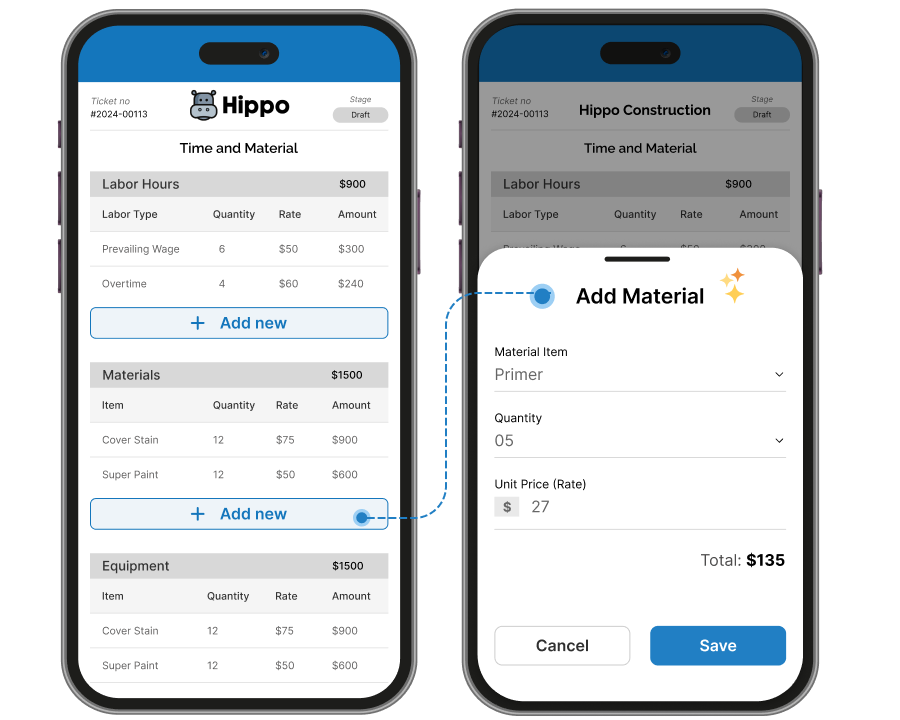
A restricted Basic User can only send it to email addresses already tied to the job or client — never an address of their own choosing — so the full picture only ever reaches someone who's supposed to see it.
-
5
They can't add new access to get around it
Restricted Basic Users can't add a new contact to the job or client list either, closing off that path too.
Built with these features

Financial visibility control

User roles & permissions
Questions about hiding rates from your crew
No — only when financial visibility is turned off for that user. With it on, a Basic User doesn't have any of the restrictions described here and can see pricing like anyone else.
No — with financial visibility off, no dollar figures appear anywhere in their own view of the ticket.
No — on-device and QR-code approval both suppress dollar figures for that ticket, no matter whose device it's on.
No — when a ticket goes out for approval by email, the recipient sees the complete ticket, including pricing, same as any other approval. What's restricted is who a restricted Basic User can send that email to.
No — they can only send it to email addresses already associated with the job or client, not one of their choosing.
No — restricted Basic Users can't add new contacts to either list, so that route is closed too.
No questions match that search.