Seeing where every ticket stands without digging
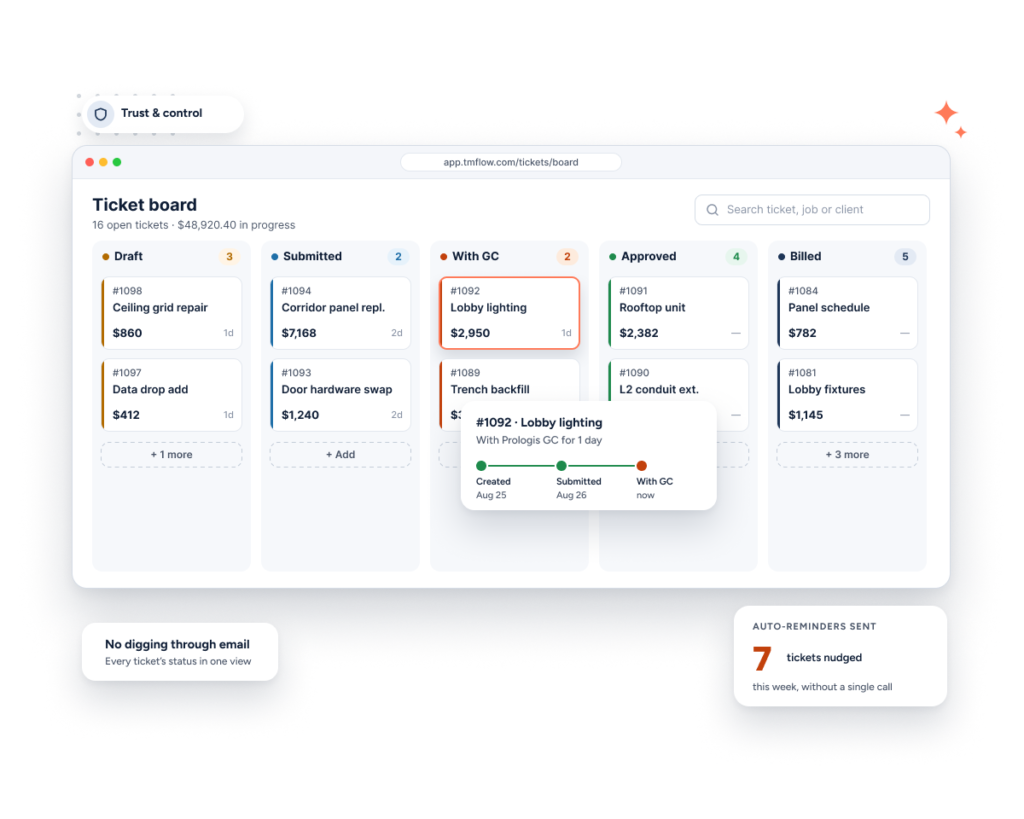
Every ticket you’ve created, its current status, and a running total — in one flat list.
The problem
With tickets scattered across different jobs and stages — some drafted, some waiting on a signature, some already invoiced — it’s easy to lose track of where anything actually stands without checking each one individually.
How Sub's Flow solves it
-
1
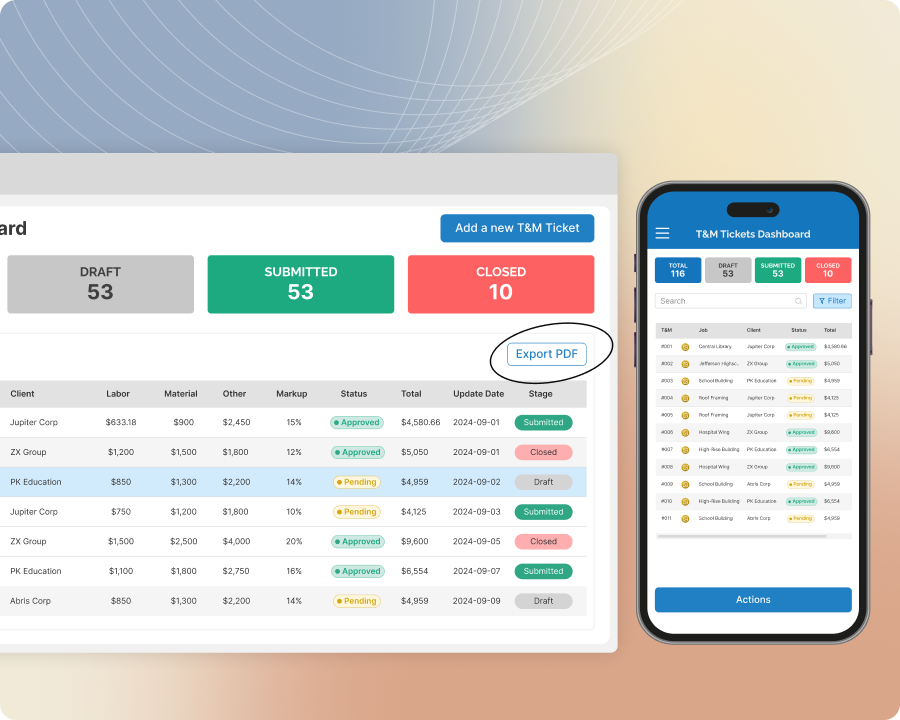
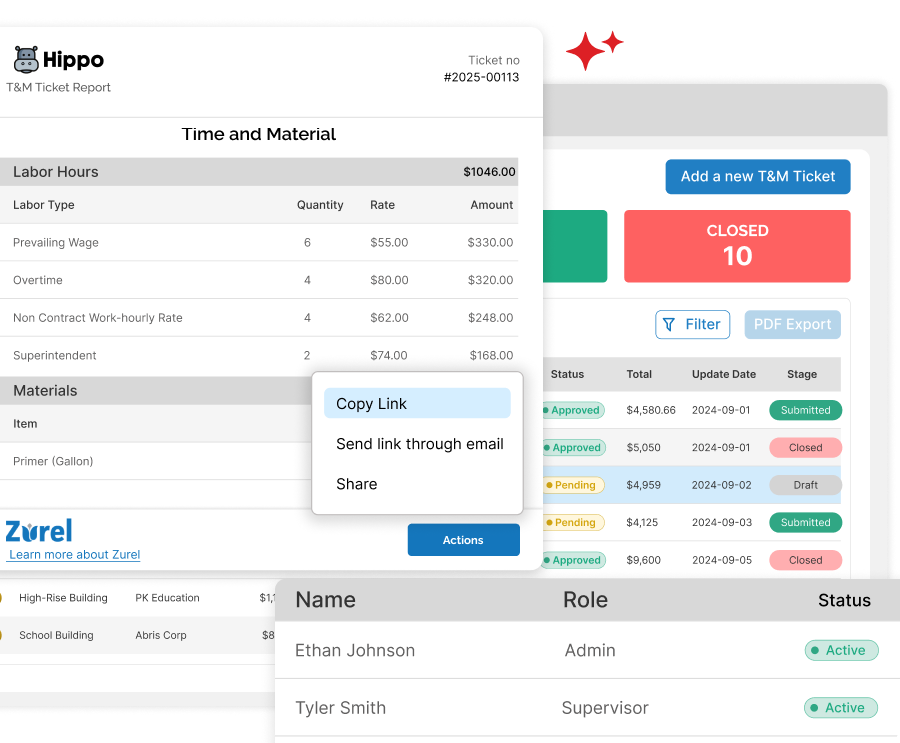
See every ticket in one list
Every ticket you've created shows up in a single list, with its current status right there — Draft, Submitted, Pending Approval, Approved, or Invoiced.
-
2
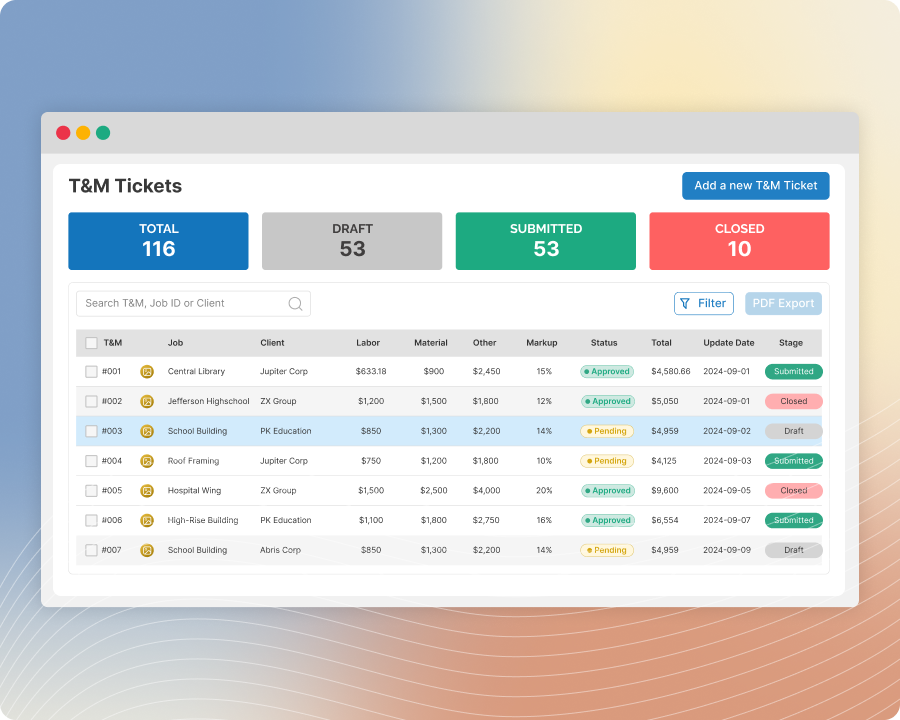
Filter down to what matters right now
Narrow the list by status, so you can pull up just what's waiting on a signature, or just what's ready to invoice, without scanning past everything else.
-
3
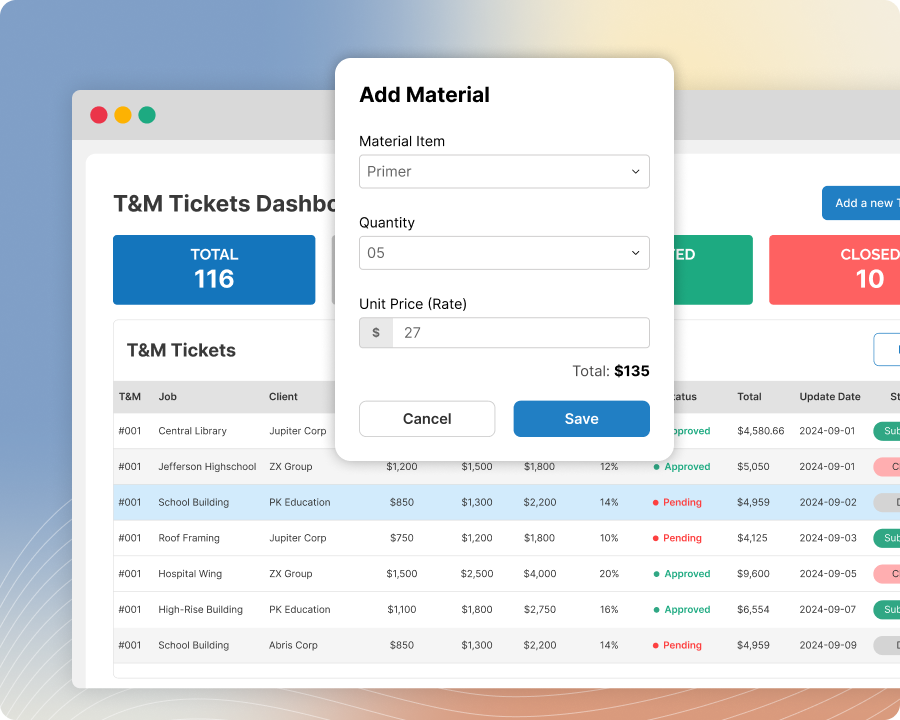
See your total value at a glance
A running total across every ticket gives you a quick read on where things stand overall, without opening a single ticket.
-
4
Know it's simple by design
This view is intentionally lightweight — one flat list, not broken out by job or GC — so it stays fast to scan. A deeper, job-by-job breakdown is available on a higher plan if you need it.
Built with these features

Basic ticket dashboard
Questions about the ticket dashboard
This dashboard is included on every plan and designed to be simple on purpose — one flat list so you can scan everything at a glance. Higher-level plans add a more advanced dashboard with job- and GC-level breakdowns for deeper reporting.
The combined value of every ticket in the list, regardless of status — it's a quick overall read, not a breakdown by stage.
Yes — filter the list down to any single status to focus on just what needs attention.
Yes — every ticket appears regardless of stage, from Draft all the way through Invoiced.
No questions match that search.