Falling back on a simple export when your accounting software doesn't connect
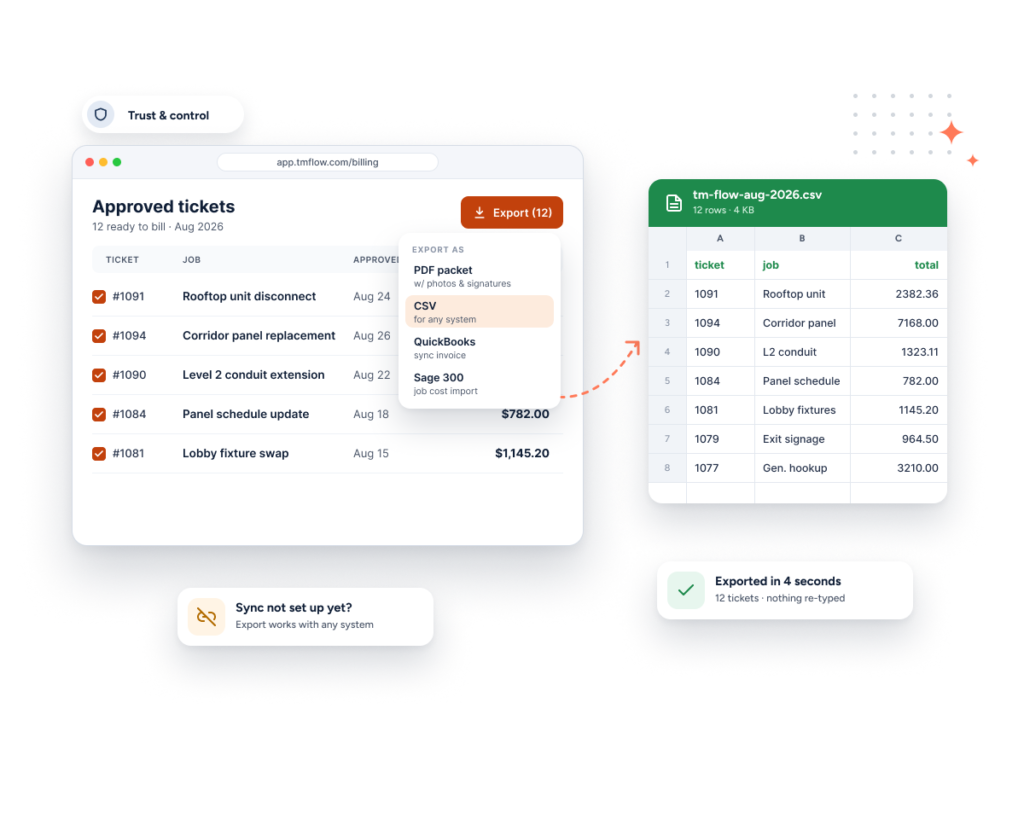
Export your ticket data to CSV, with exactly the fields you need — no native integration required.
The problem
Not every accounting or job-costing system connects directly — and when it doesn’t, getting your ticket data out shouldn’t mean re-typing everything by hand.
How Sub's Flow solves it
-
1
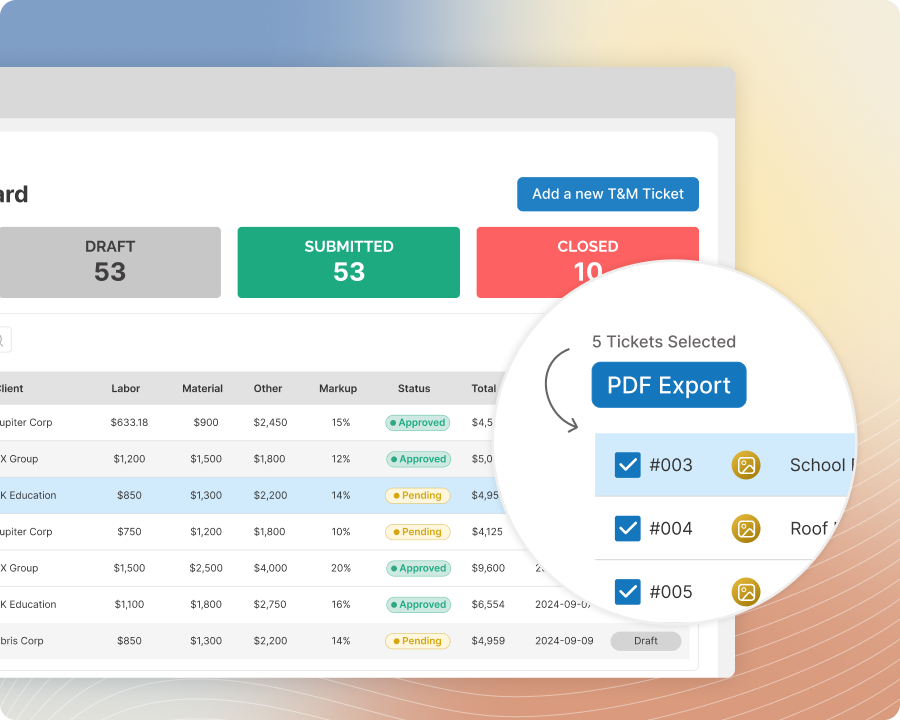
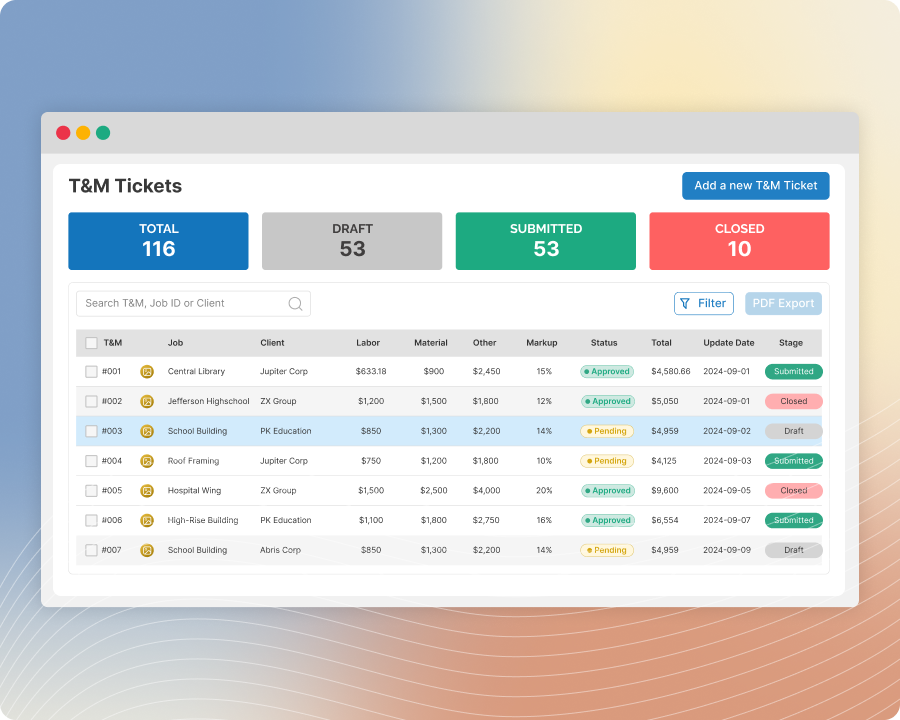
Choose which tickets to export
Select exactly the tickets you want to include, rather than exporting everything at once.
-
2
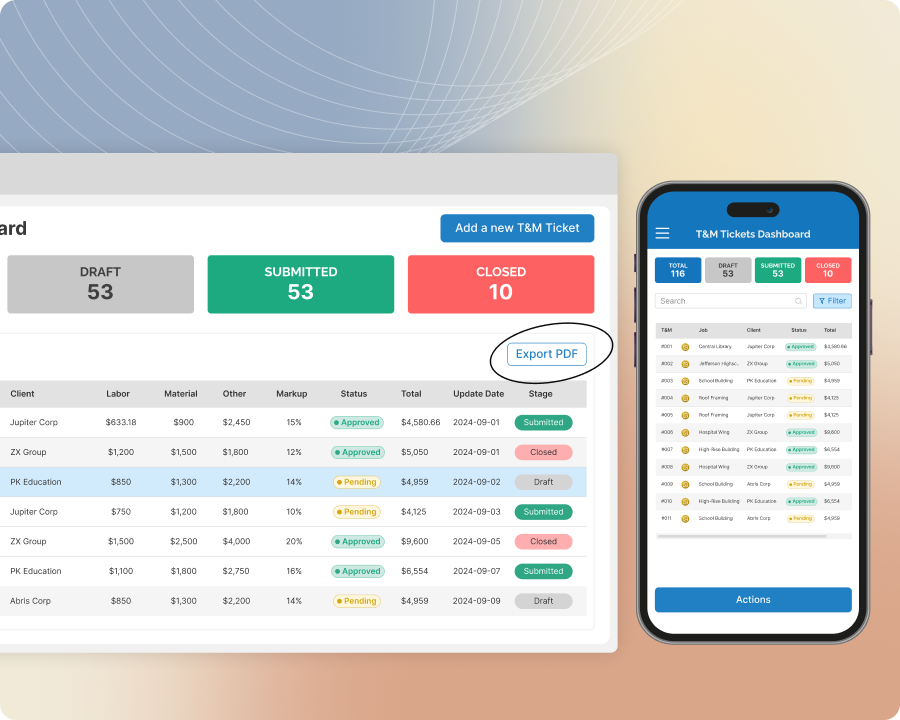
Choose exactly which fields you need
Select which columns show up in the export, so the file matches what your accounting or tracking system actually expects.
-
3
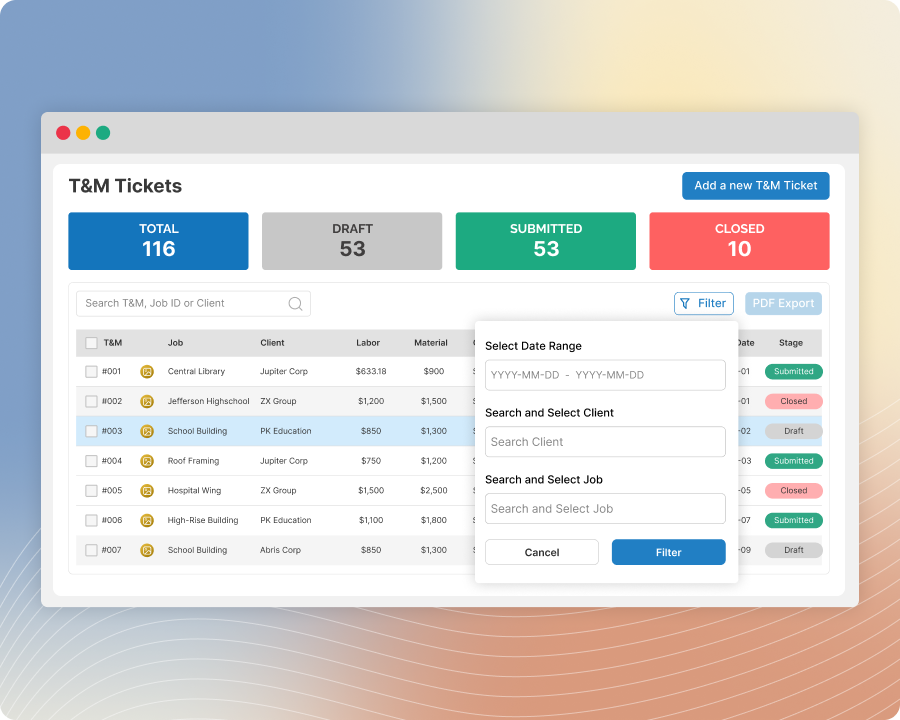
One row per ticket
Each export lays out one ticket per row, ready to open in a spreadsheet or import wherever it needs to go.
-
4
Use it as often as you need
There's no limit on how many times you export — run it whenever your workflow calls for it, not on a fixed schedule.
Built with these features

Basic CSV export
Questions about CSV export
No — this is built specifically for subs whose accounting or tracking system isn't natively integrated. The CSV works with virtually anything that can open one.
You choose — select exactly which columns you want in the file before exporting.
No — export as often as you need, whenever your workflow calls for it.
No questions match that search.