Building a ticket to match what your GC requires
Add the specific fields a GC’s paperwork calls for — a PO number, a safety checklist, whatever they need — without starting from scratch.
The problem
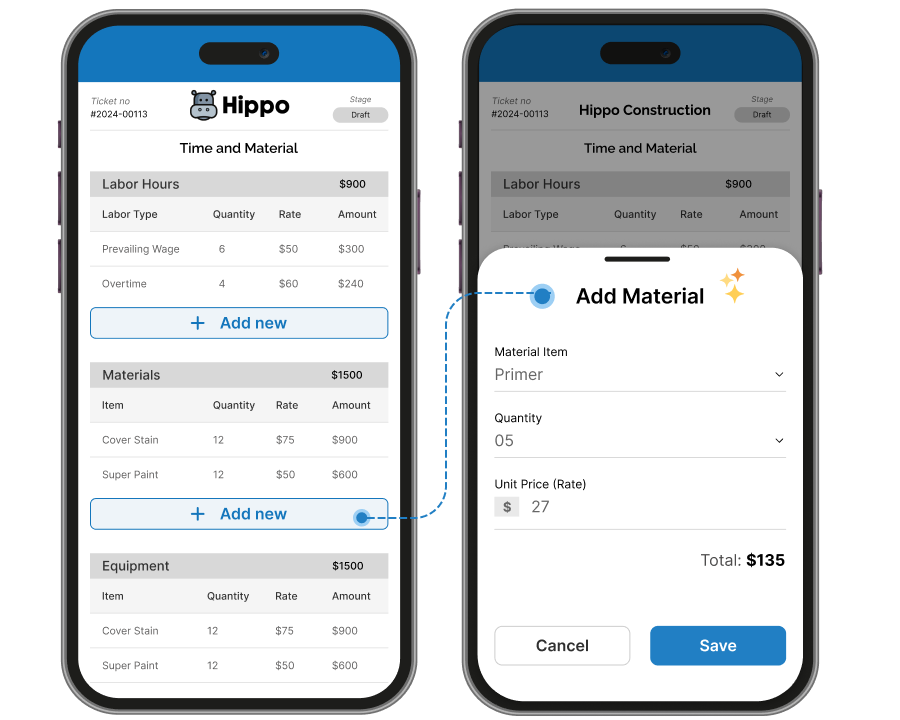
Some GCs want specific fields on every T&M ticket — a PO number, a safety checklist, their own required language — and a one-size-fits-all ticket form doesn’t always cover it.
How Sub's Flow solves it
-
1
Start from the standard form
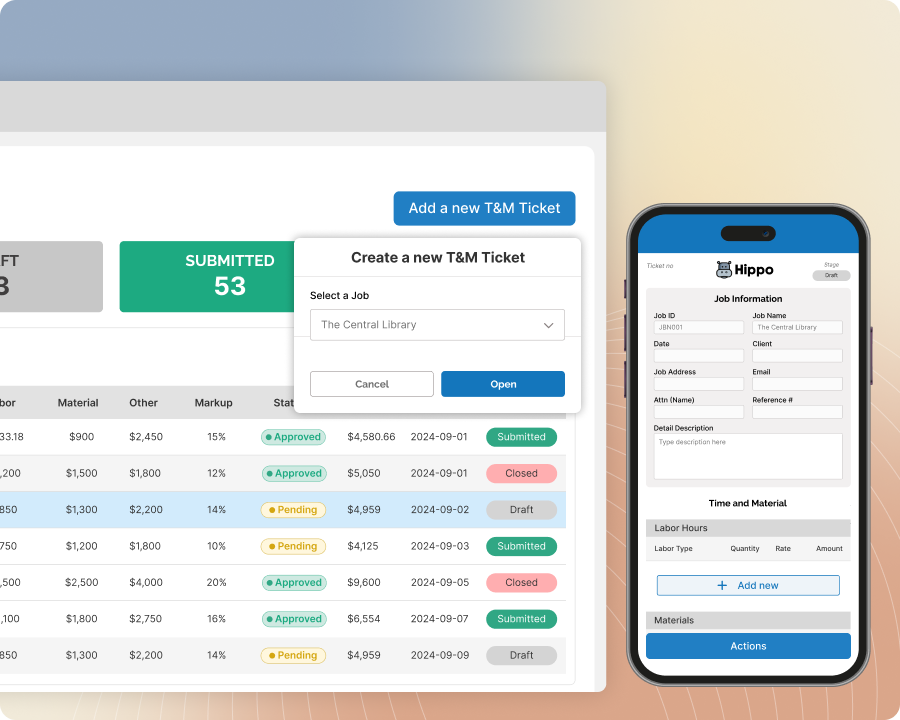
Every account starts with a working ticket form out of the box — no setup required to start creating tickets.
-
2
Build a custom form with the fields your GC actually needs
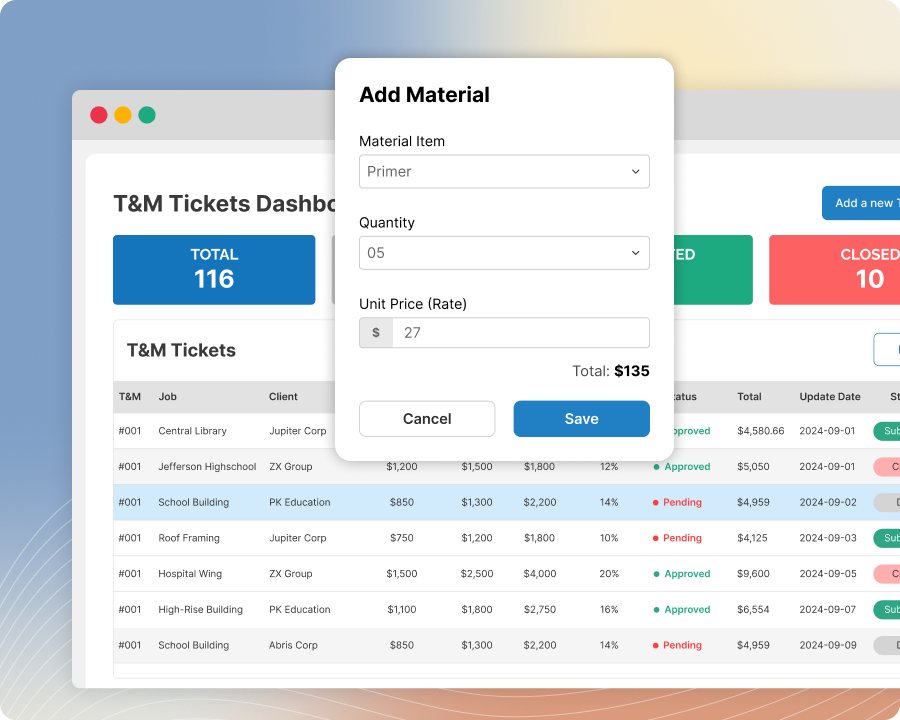
Add the specific data fields a GC's paperwork calls for — a PO number, a safety checklist, whatever's required — replacing the standard form with one built around that job or client.
-
3
Set it as the default, or apply it job by job
Once a custom form exists, choose whether it's the default for new jobs or apply it individually — either way, tickets stay simple to create with the right fields already in place.
-
4
For exact branded formatting, that's handled by our team
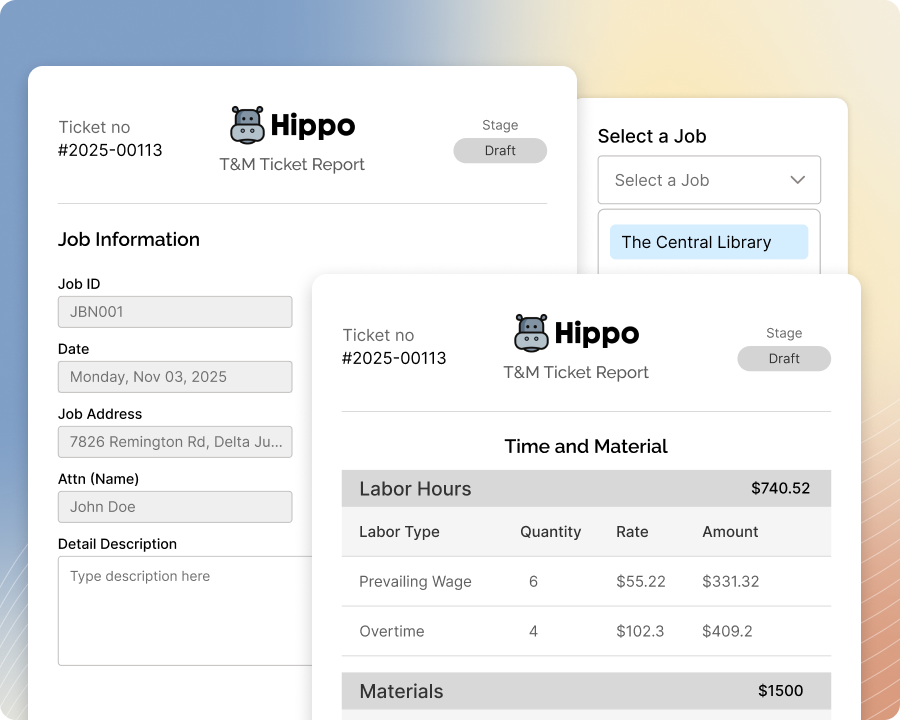
Our software is built to handle this too — when a GC needs the finished ticket to look exactly like their own branded paperwork, our Professional Services team sets up that exact formatting for you.
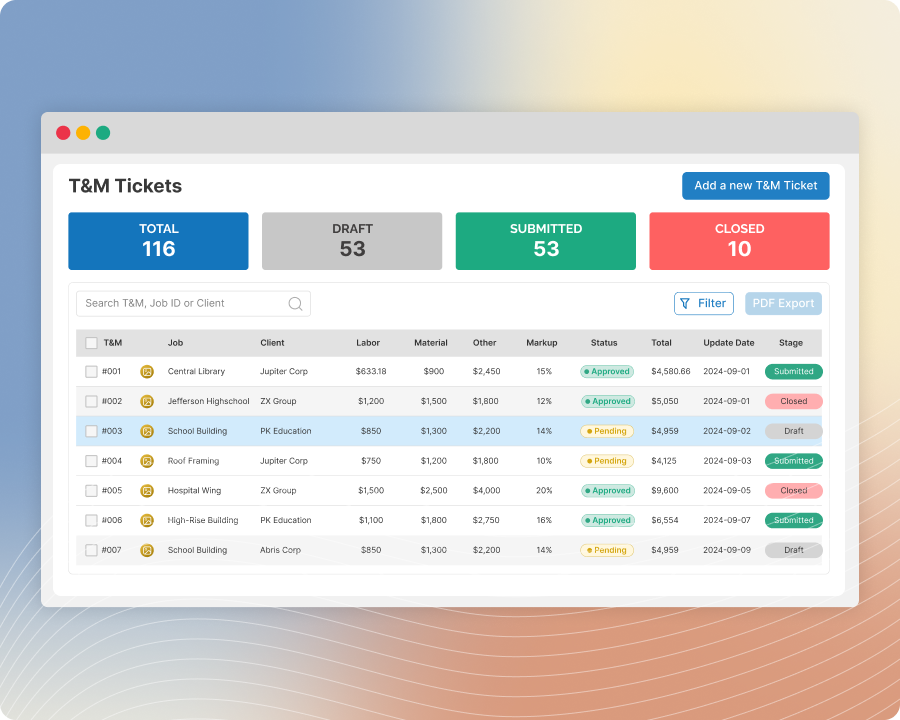
Built with these features

Custom ticket forms

Custom field visibility control
Questions about matching your GC's format
It depends what "match" means. If they need specific data fields — a PO number, a checklist, particular wording — yes, that's self-service. If they need the ticket to look exactly like their own branded document, that's a separate paid service, not a standard feature.
At this level, you get the standard form plus one custom form, and can choose per job which one applies. Having multiple different custom forms is available on a higher plan.
Not field by field — custom fields are organized into collections, and you control visibility for the whole collection at once, making it visible or invisible to your GC.
It depends on your plan — check your package details to confirm whether custom ticket forms are included.
No questions match that search.