Working through a no-signal jobsite
Basements, rural sites, steel-heavy structures — create tickets, capture photos, and see accurate pricing with zero connection.

The problem
No signal shouldn’t mean no ticket. Basements, remote sites, and steel-frame buildings kill cell service — and by the time you’re back in range, the details from hours ago are already fuzzy.
How Sub's Flow solves it
-
1
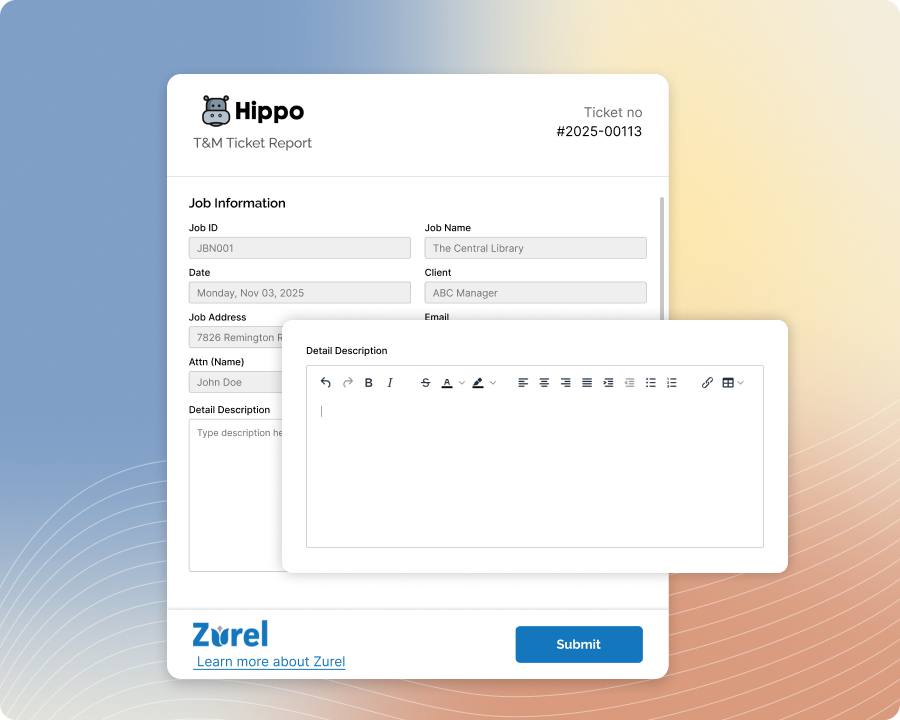
Create the ticket, no connection required
Log labor, materials, and equipment right from your phone, even with zero signal. Photos, timestamp, and GPS location are captured the same way they always are — nothing about entering a ticket changes just because you're off the grid.
-
2
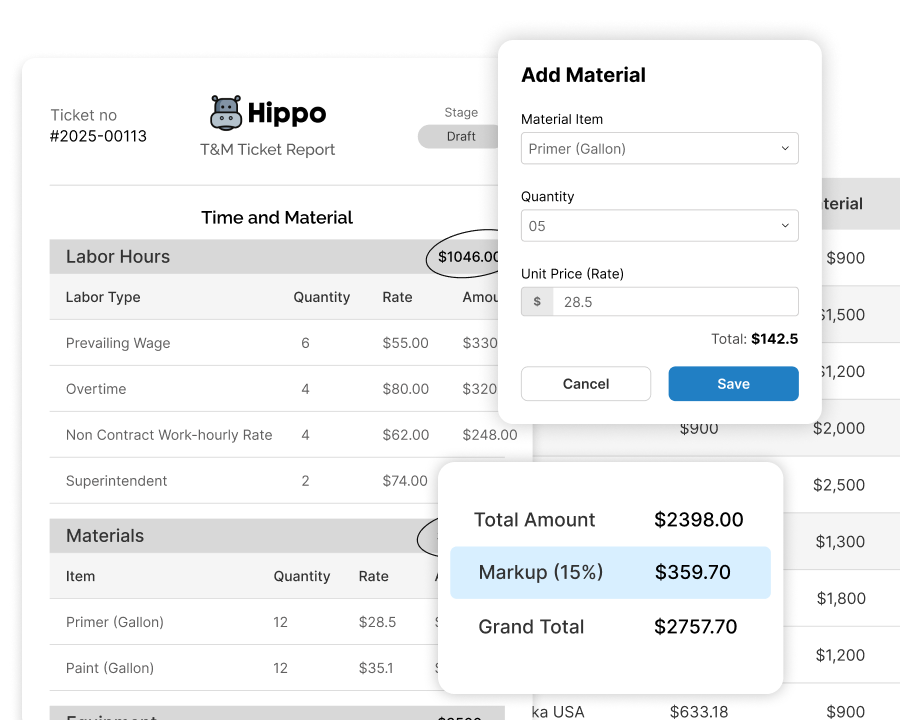
Pricing calculates as you go
Every line pulls its rate from your rate sheet automatically — no manual pricing, no guessing what a line item is worth. You know the ticket's value before you even leave the site.
-
3
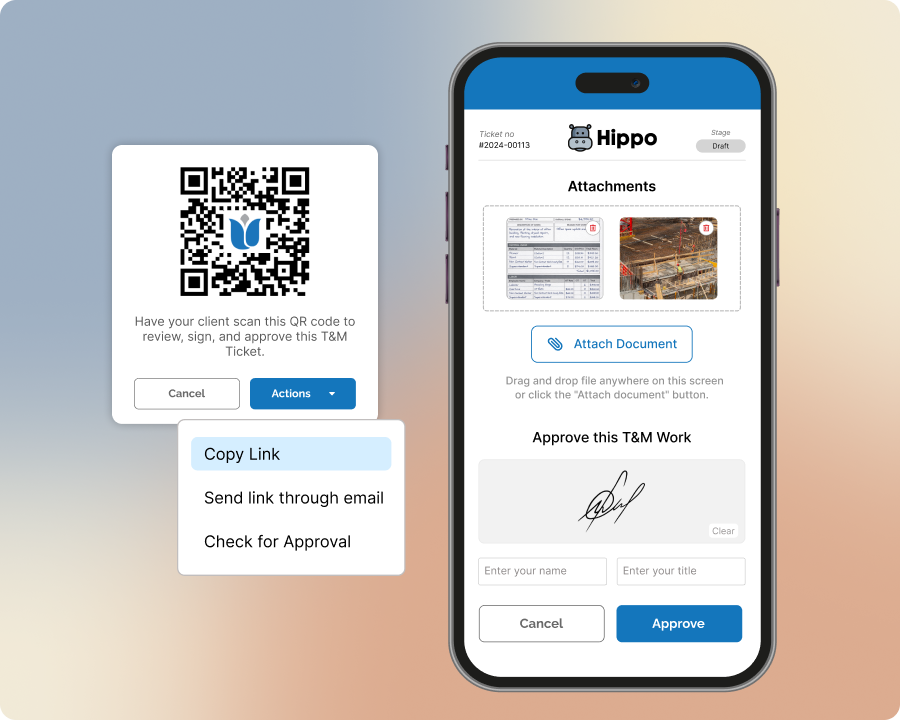
Get it signed before you even leave
If the GC's standing right there, they can approve it on your device the same as any other ticket — no connection needed for that either.
-
4
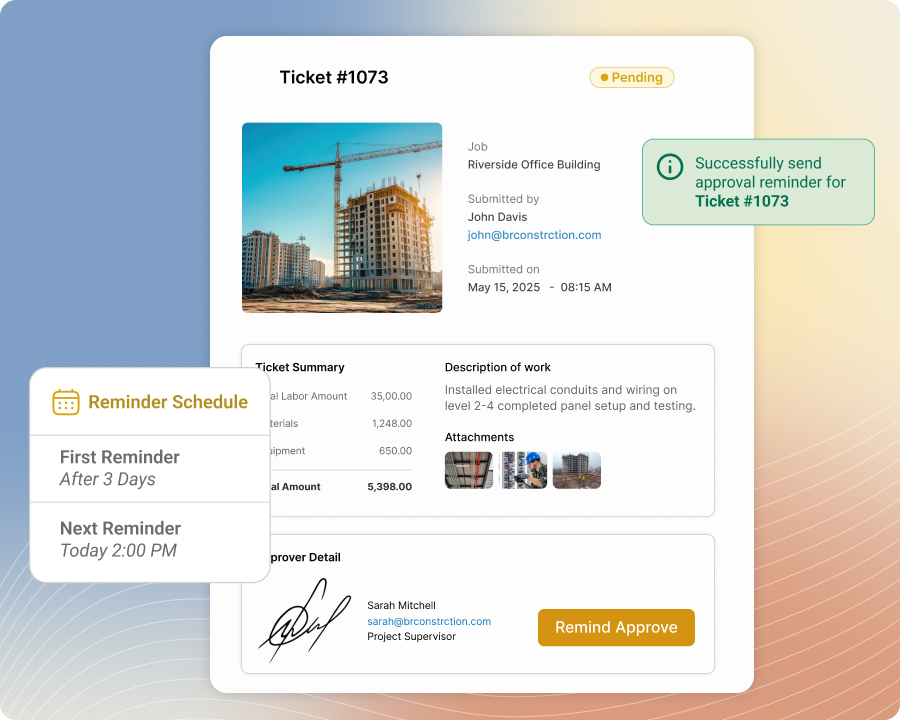
It syncs once you're back in range
No separate upload step to remember. The ticket — and its signature, if it's already signed — moves into your account the next time your phone finds a signal, exactly as entered on-site.
-
5
Office catches anything that needs a second look
Any ticket created offline gets flagged automatically once it syncs, so your office team knows to double-check the rate before it goes out — no ticket with a stale price slips through unnoticed.
Built with these features

Mobile ticket entry, offline

Automatic rate application

Offline ticket flagging for review

Photo & document management
Questions about working offline
Nothing's lost — the ticket saves on your phone as you build it and picks up right where you left off.
Yes — photos, timestamps, and location capture work the same offline as they do online.
Yes — pricing uses whatever version of your rate sheet last synced to your device. If a rate changes while you're offline, tickets created in that window keep the rate that was current when you made them — and get automatically flagged for your office team to double-check once they sync.
It syncs automatically to your account — no separate upload step, nothing to remember to send.
No questions match that search.