Controlling who can see a ticket at all
See exactly who has access to a ticket, and revoke it at exactly the level you mean — this ticket, this job, or this client.
The problem
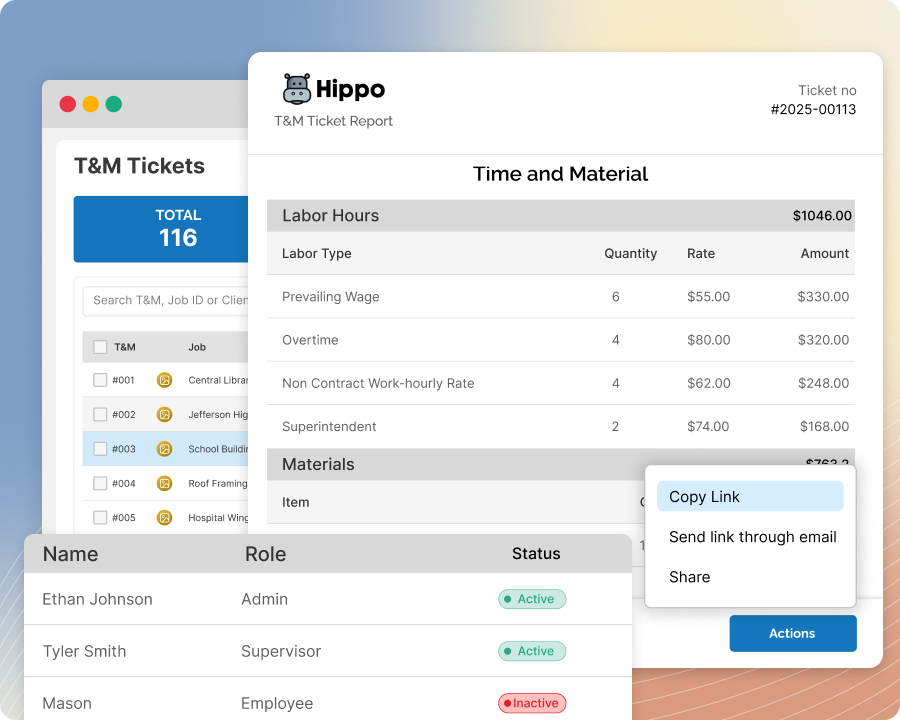
A ticket often needs to go out to more than one person — but once someone’s been given access, most tools make it hard to cleanly take that back if the situation changes.
How Sub's Flow solves it
-
1
See exactly who has access
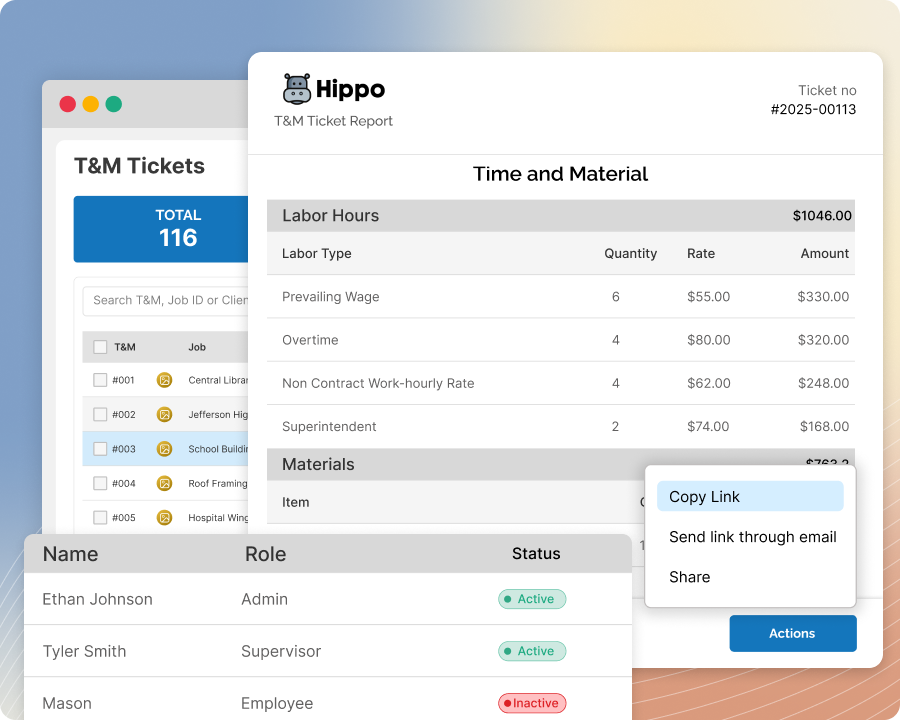
Every ticket has a Shared With list showing everyone who currently has access to view it, whether they landed there through an approval request or were added directly for review.
-
2
Add someone for review, without asking for a signature
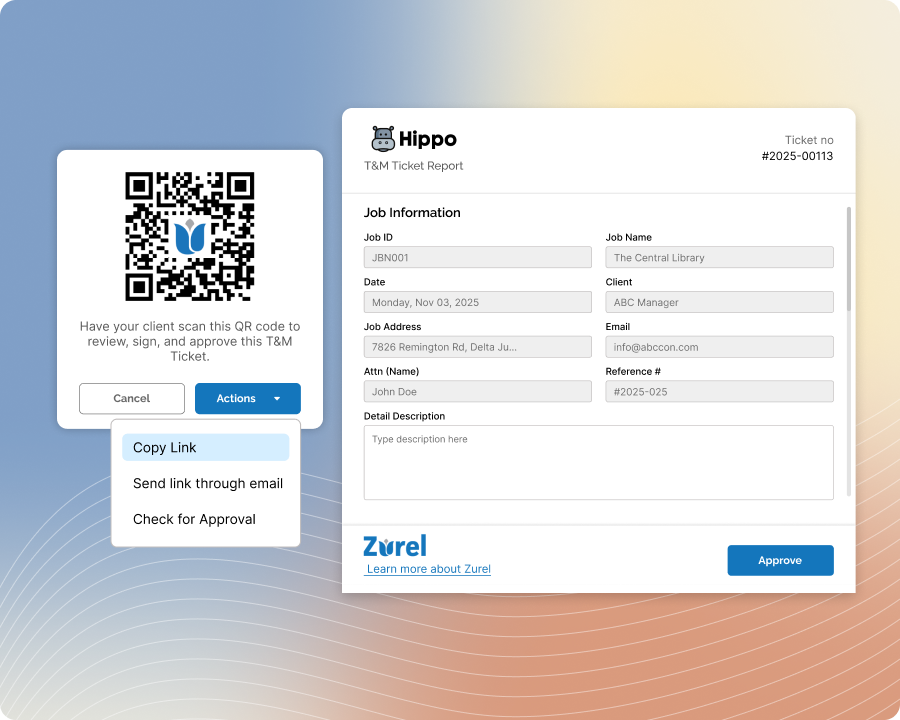
Give someone visibility on a ticket without routing it for approval — a review-only invite, sent by email, for anyone who just needs to see what's on it.
-
3
Revoke access at exactly the level you mean
Remove someone from this one ticket, from the whole job's contact list, or from the client's contact list entirely — whichever matches what actually changed.

-
4
It cuts off access immediately
Revoking isn't just a record-keeping change — it immediately cuts off whatever access that person had.
Built with these features

Shared ticket access list

Free GC portal
Questions about ticket access control
Yes — every ticket has a Shared With list showing everyone with current access, and how they got it.
Yes — you can add someone for review-only access, sent by email, separate from an approval request.
Yes — revoking access cuts it off immediately, not just as a record-keeping change.
You choose the level: just this ticket, the whole job's contact list, or the client's contact list entirely — whichever matches the situation.
No questions match that search.