Protecting the record when a ticket changes
Every approved version is saved automatically — editing a ticket later never touches what your GC actually signed.
The problem
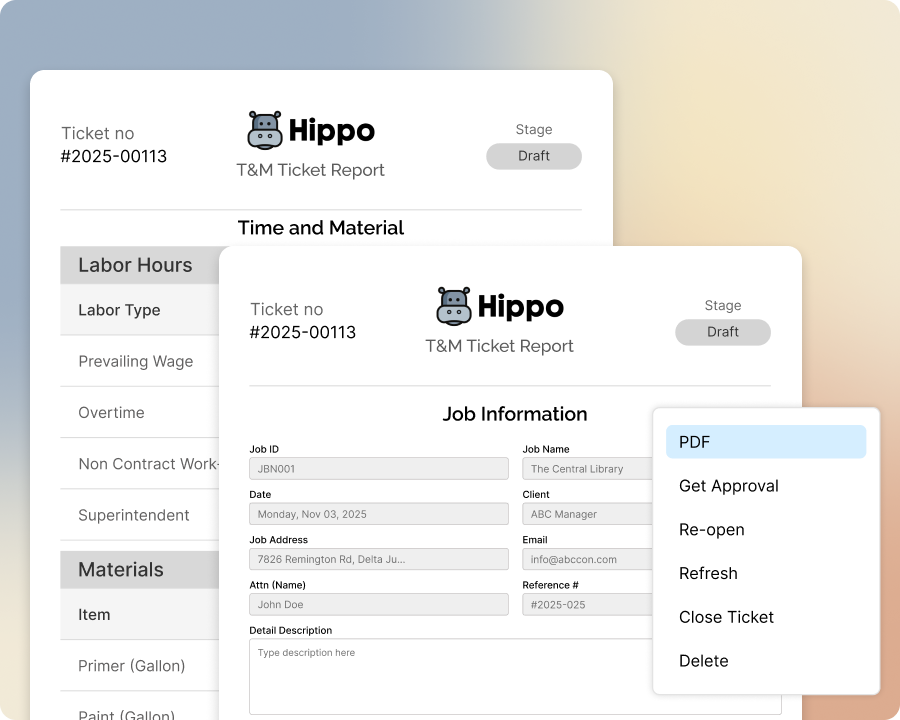
When a ticket gets edited after your GC signs off — a corrected quantity, an added line — it’s easy to wonder whether the version they actually approved still exists, or if it’s been quietly overwritten.
How Sub's Flow solves it
-
1
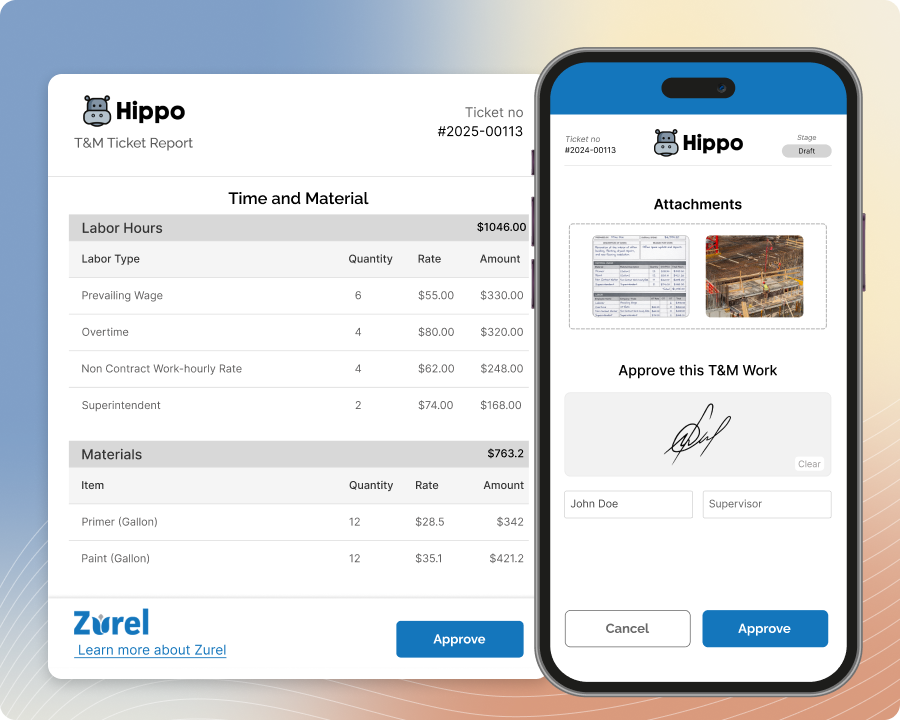
The ticket stays approved through edits
Editing a ticket after approval doesn't undo the GC's signature. It only reverts to Pending Approval if you explicitly resend it for a fresh signature.
-
2
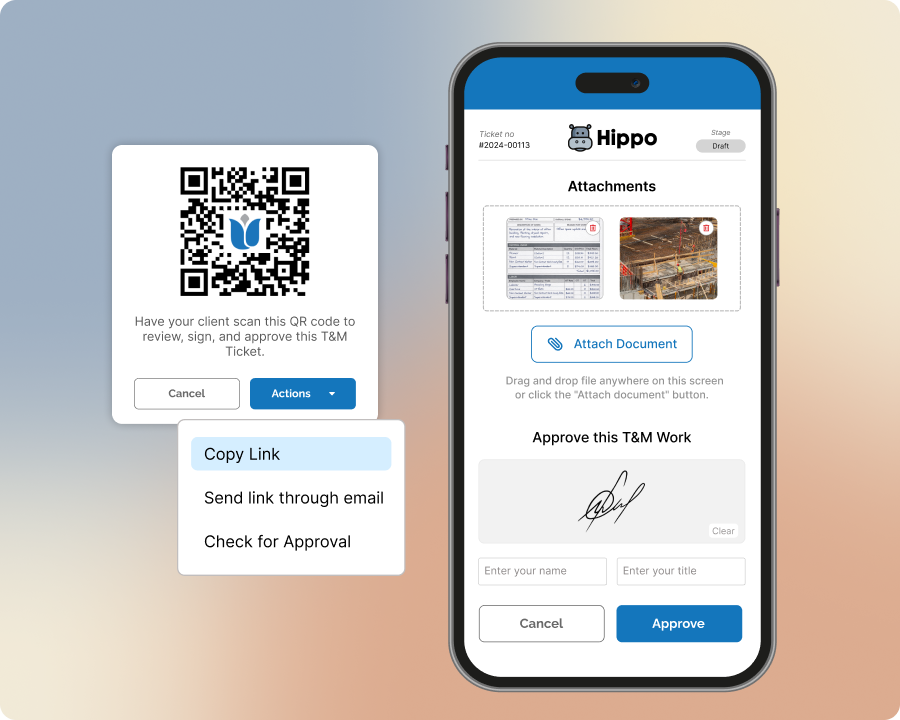
Every approval gets its own snapshot
The moment a ticket is signed, a permanent record capturing exactly what was approved at that moment is saved automatically — no extra step required.
-
3
Later edits don't touch the record
Change a quantity, add a line, whatever the correction — the original approved snapshot stays exactly as it was, untouched by anything that happens afterward.
-
4
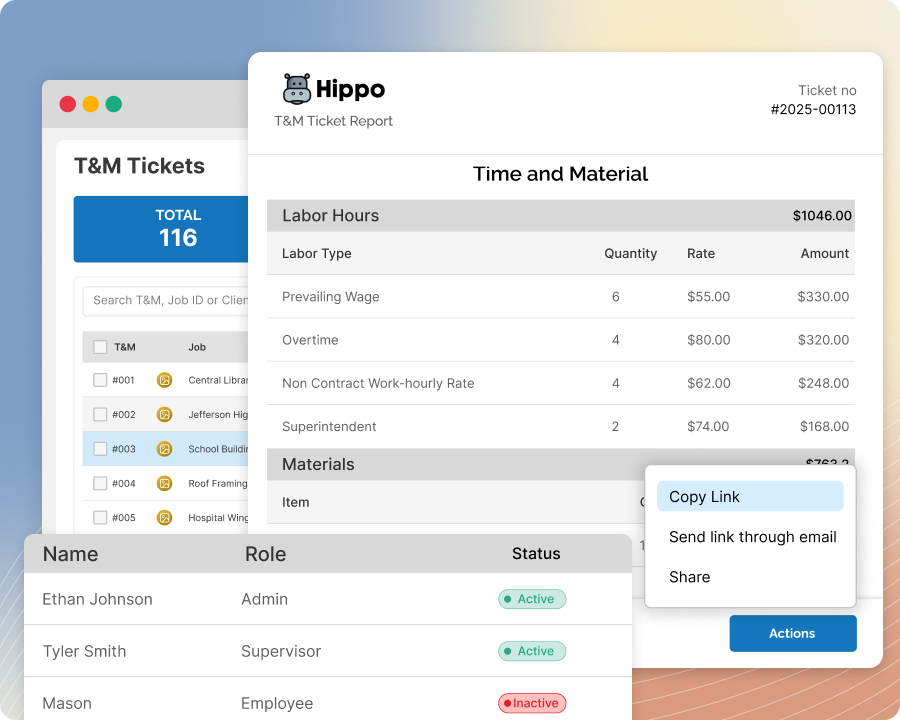
Include the history in your export — if you want it
When you export or invoice a ticket, you can choose to include the prior approved snapshot alongside the current version — it's there as backup whenever you need it, not something forced into every export.
Built with these features

Ticket versioning

Approval status tracking
Questions about ticket versioning
No — the approved snapshot is saved permanently the moment it's signed, and stays exactly as it was no matter what changes afterward.
Only if you want a fresh signature — an edited ticket stays marked Approved unless you explicitly resend it for a new one.
It's a real, saved snapshot of the ticket as it looked when approved — not just a status flag — so you have a permanent record on hand if a question ever comes up.
It can — including the prior approved snapshot with an export or invoice is your choice, not automatic. Include it when you want the backup on hand, leave it out when you don't.
Yes — there's no limit. Every time you resend for a fresh signature, that approval gets its own permanent snapshot too, so the full history is preserved no matter how many rounds it takes.
No — resending gets a fresh signature on the same approval and is included at every plan level. Having a different or additional person add their own signature to a ticket is a separate capability available on Professional plans.
No questions match that search.